Lemorele 13-in-1 USB-C docking station with 4K Dual HDMI, VGA, Gigabit LAN, SD card reader for MacBook and Windows
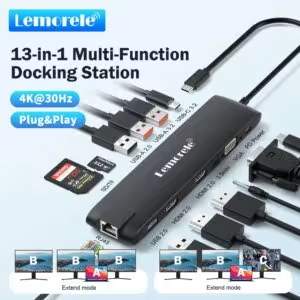
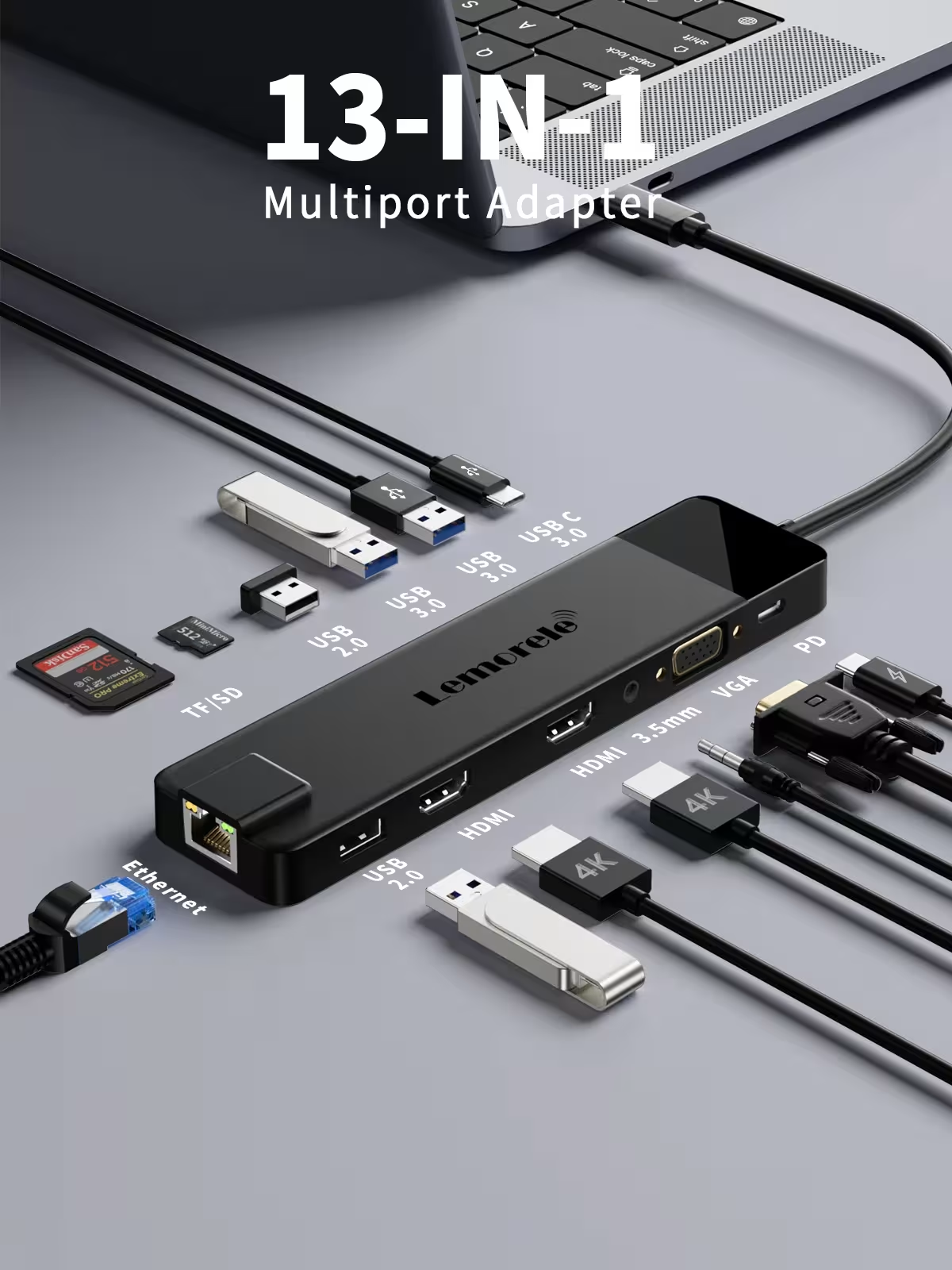
The Lemorele 13-in-1 USB C docking station is a versatile solution that allows you to expand the capabilities of your laptop with a single connection. The device combines two HDMI outputs, a VGA port, a Gigabit Ethernet network port, multiple USB ports, a memory card reader, and 100W PD charging. It is perfect for MacBook and Windows users who need more ports for work, presentations, or multi-monitor management.
USB C docking station - key features
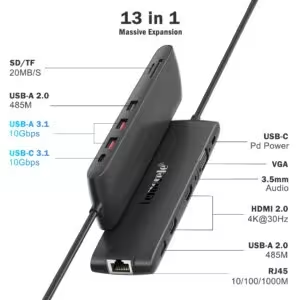
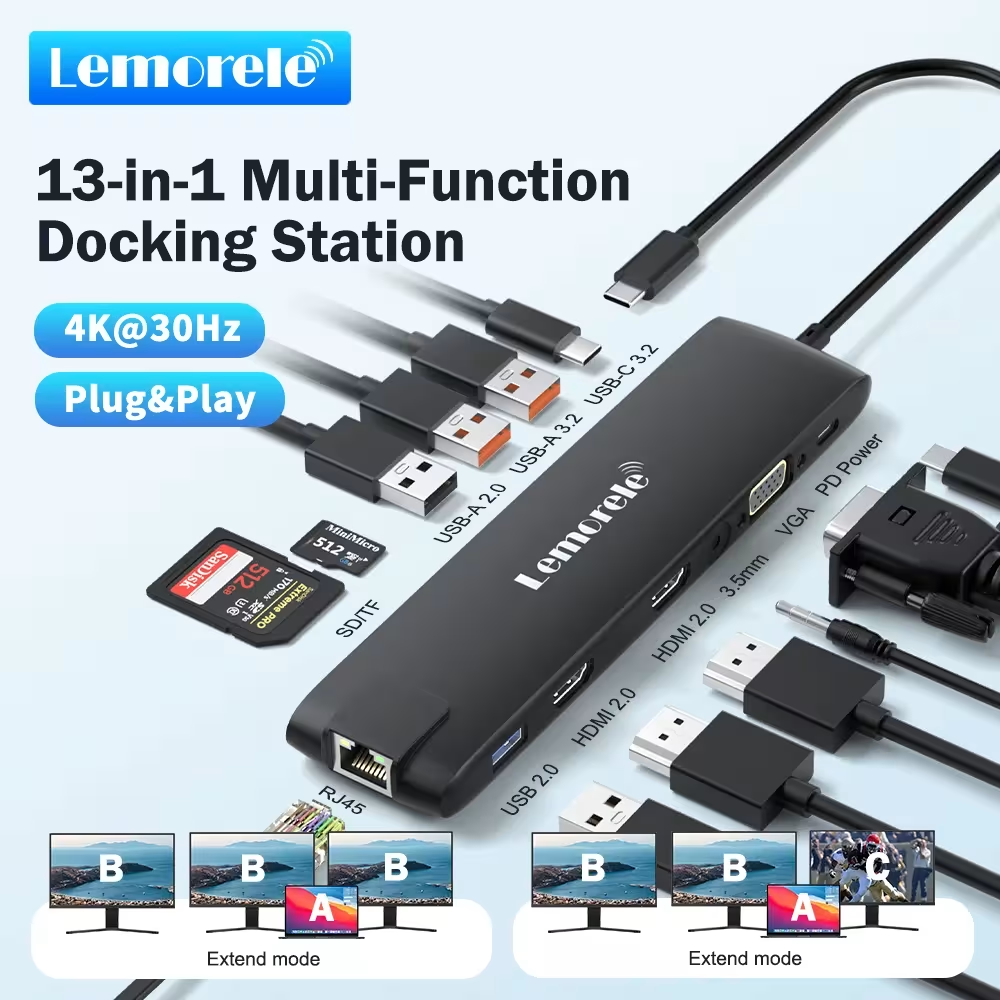
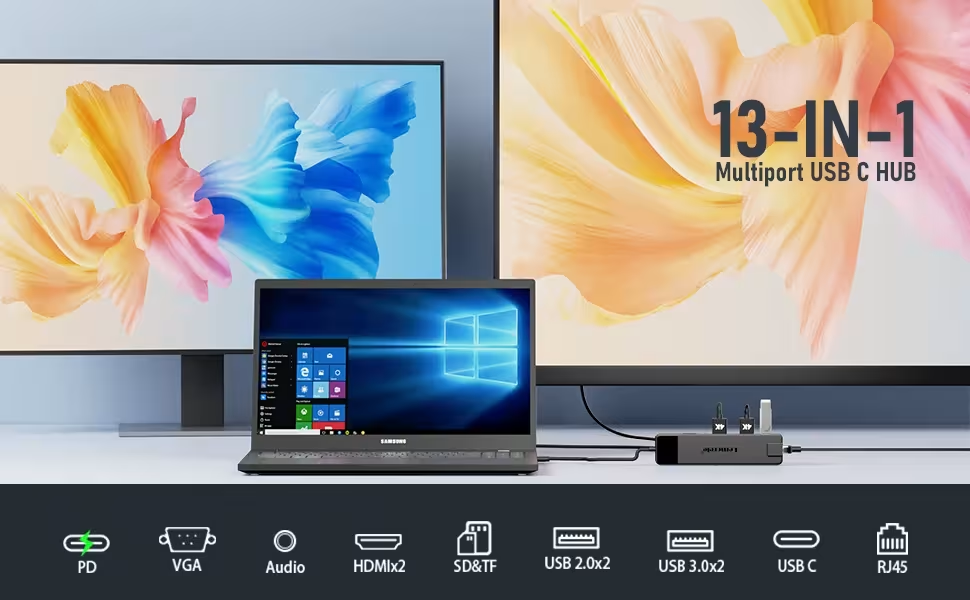
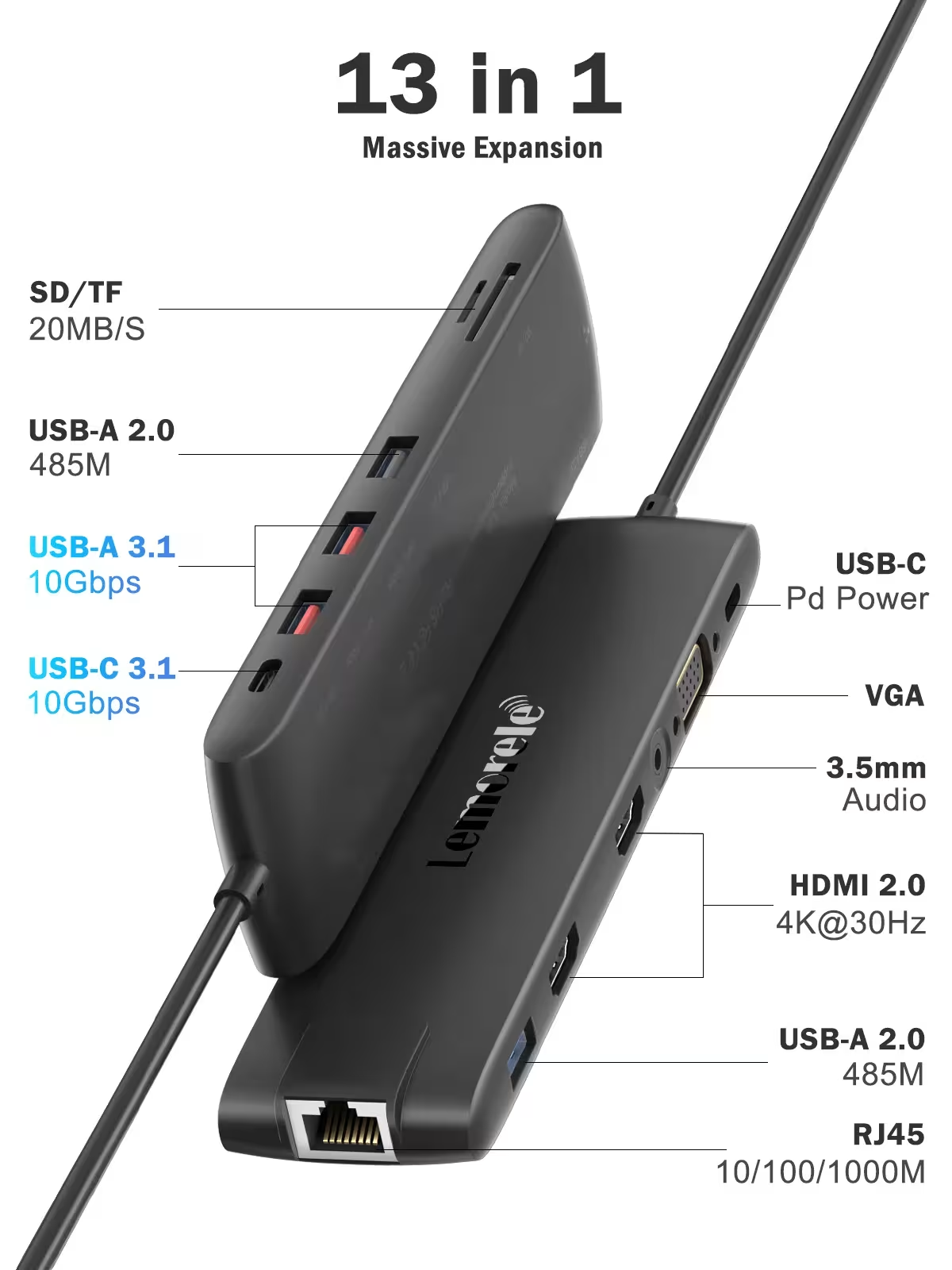
- Three display connections — two HDMI and one VGA port allow you to connect multiple monitors at the same time and conveniently expand your workspace.
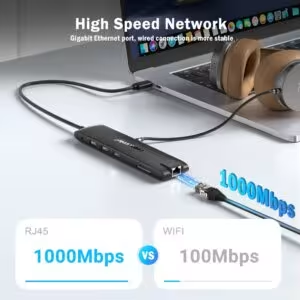
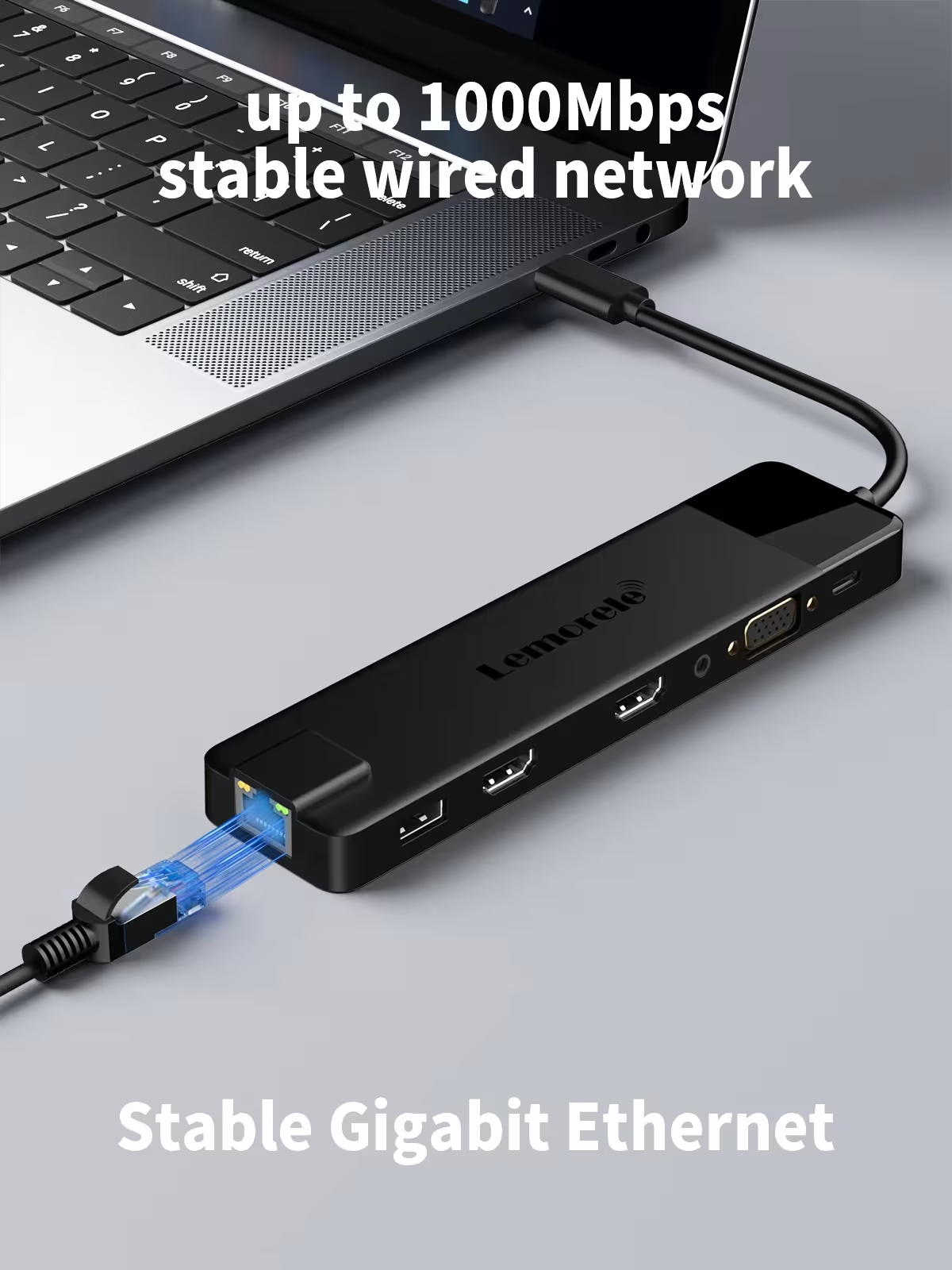
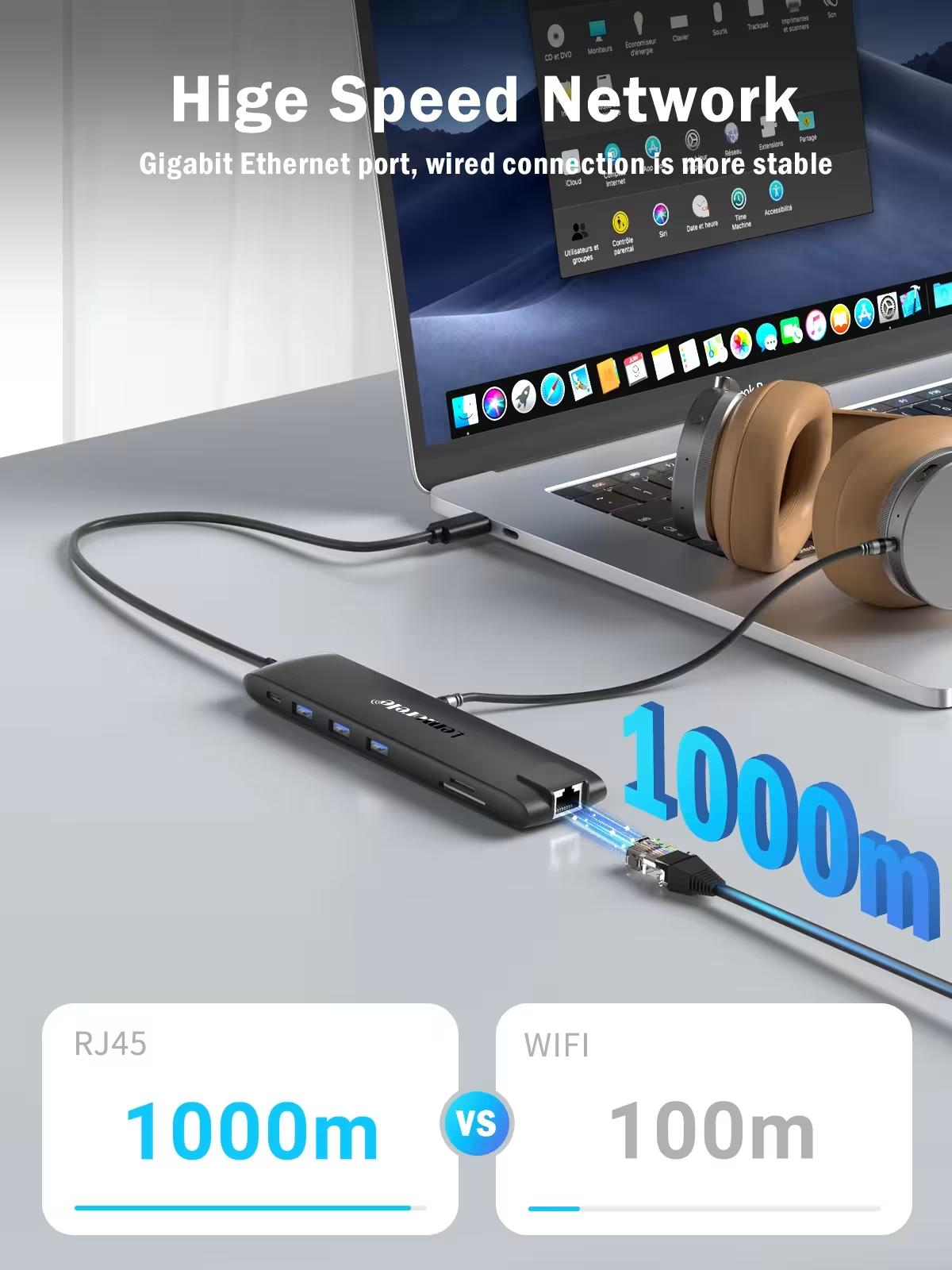
- Fast network connection — RJ45 Gigabit Ethernet provides a stable and fast internet connection without wireless network interference.
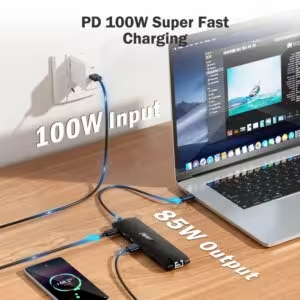
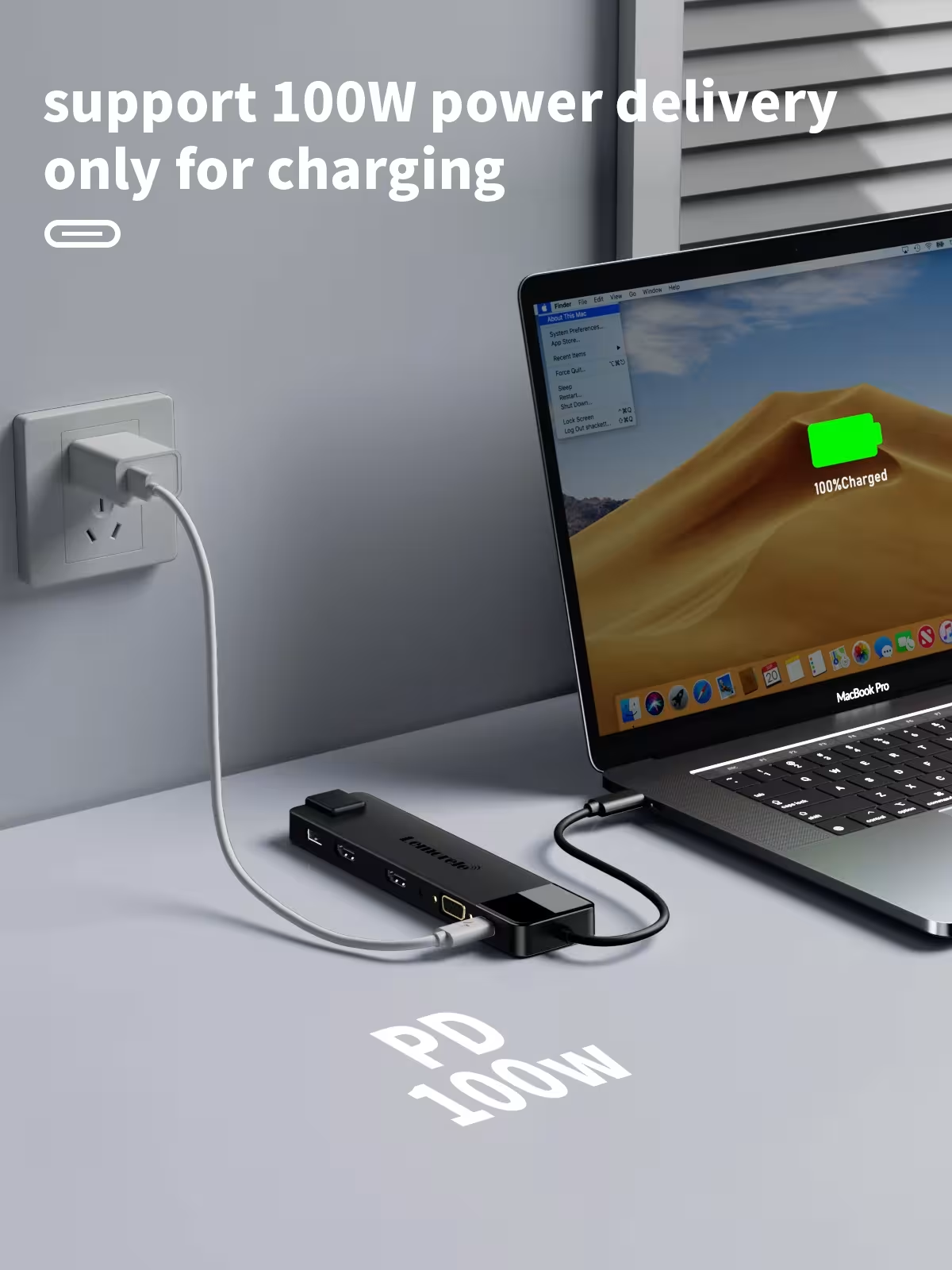
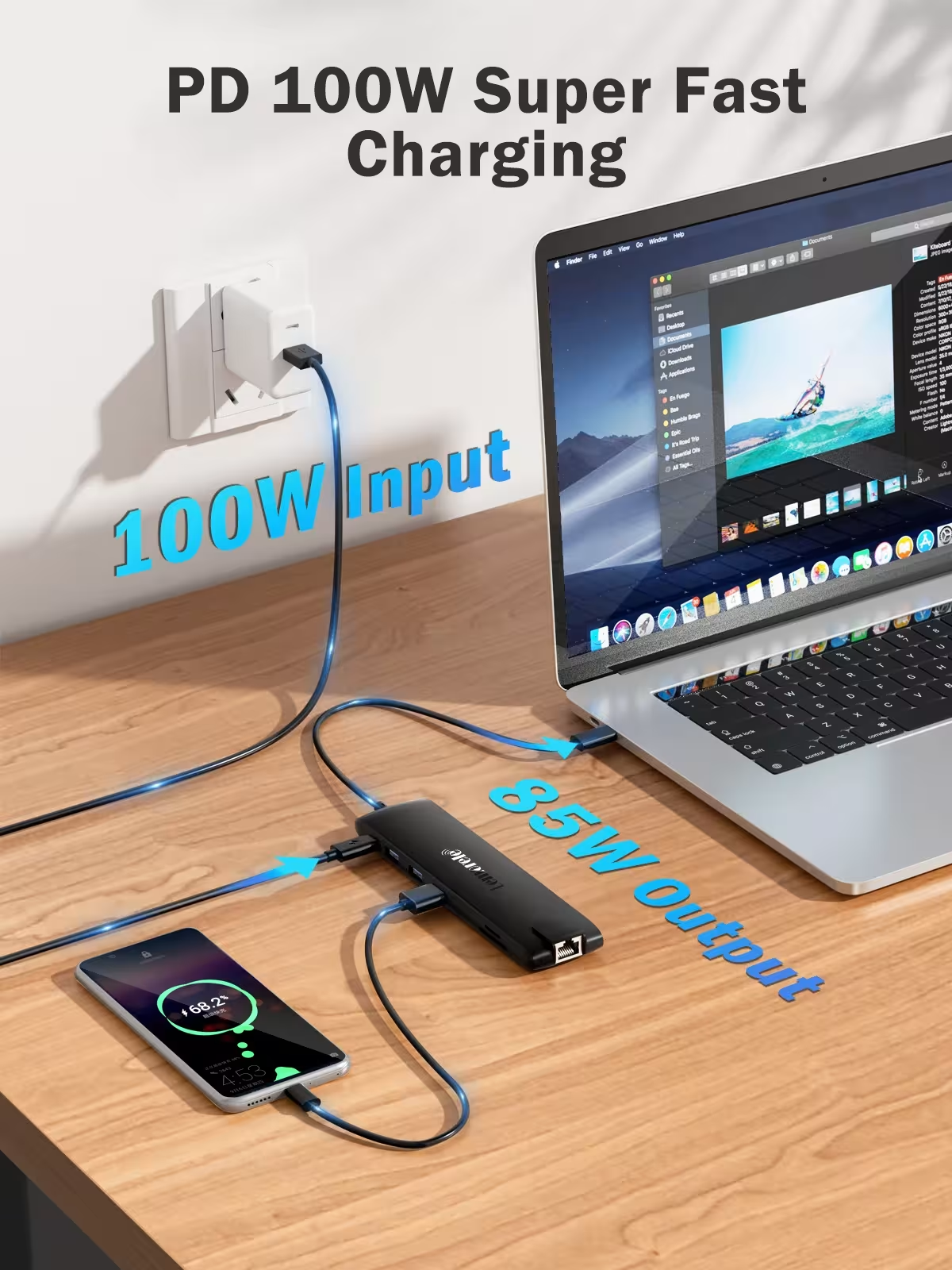
- Powerful USB-C PD 100W — allows you to charge your laptop directly through the docking station, no separate charger required.
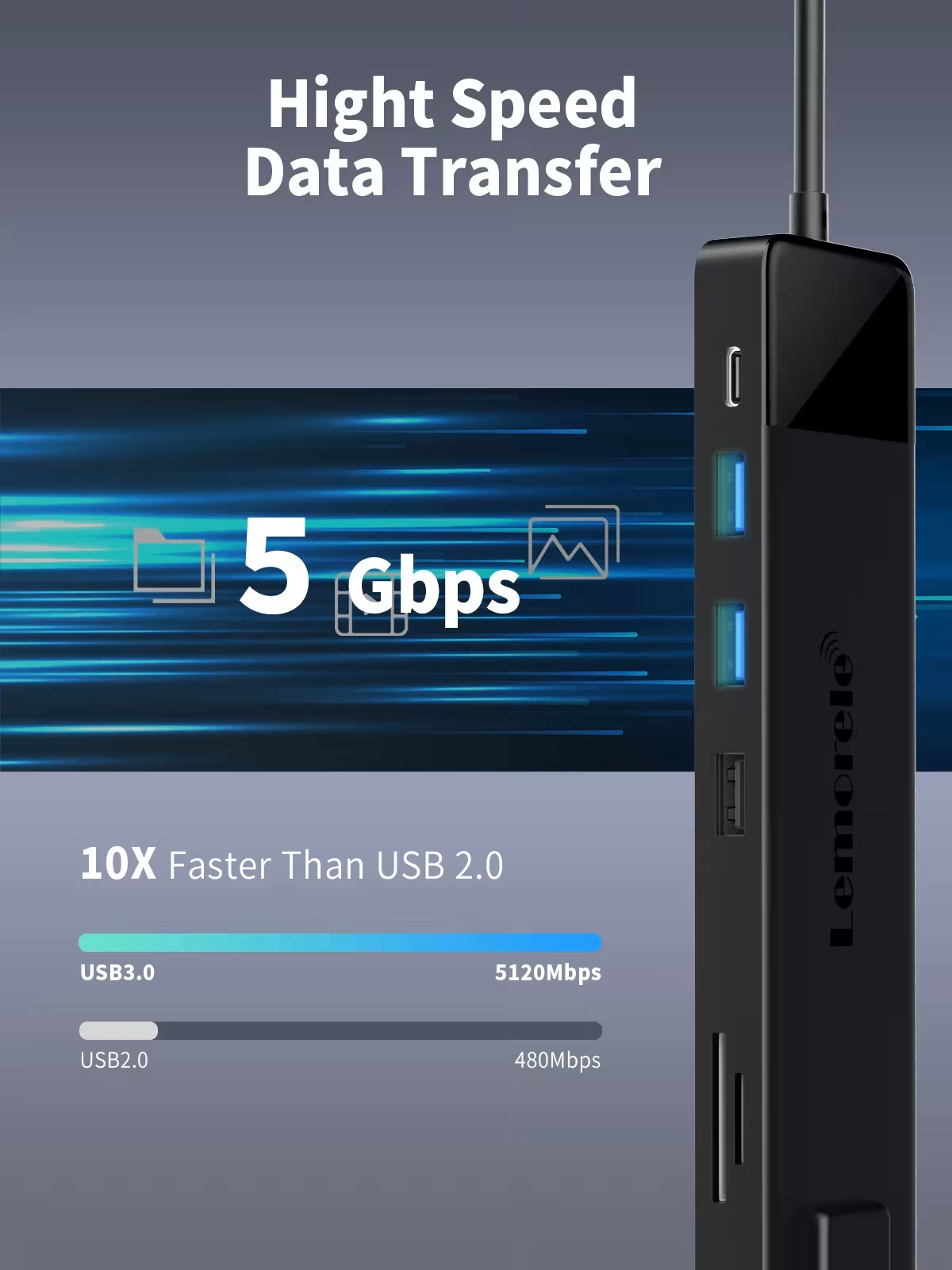
- Various USB ports — two USB-A 3.0, two USB-A 2.0, and one USB-C 3.0 port allow you to connect multiple external devices at the same time.
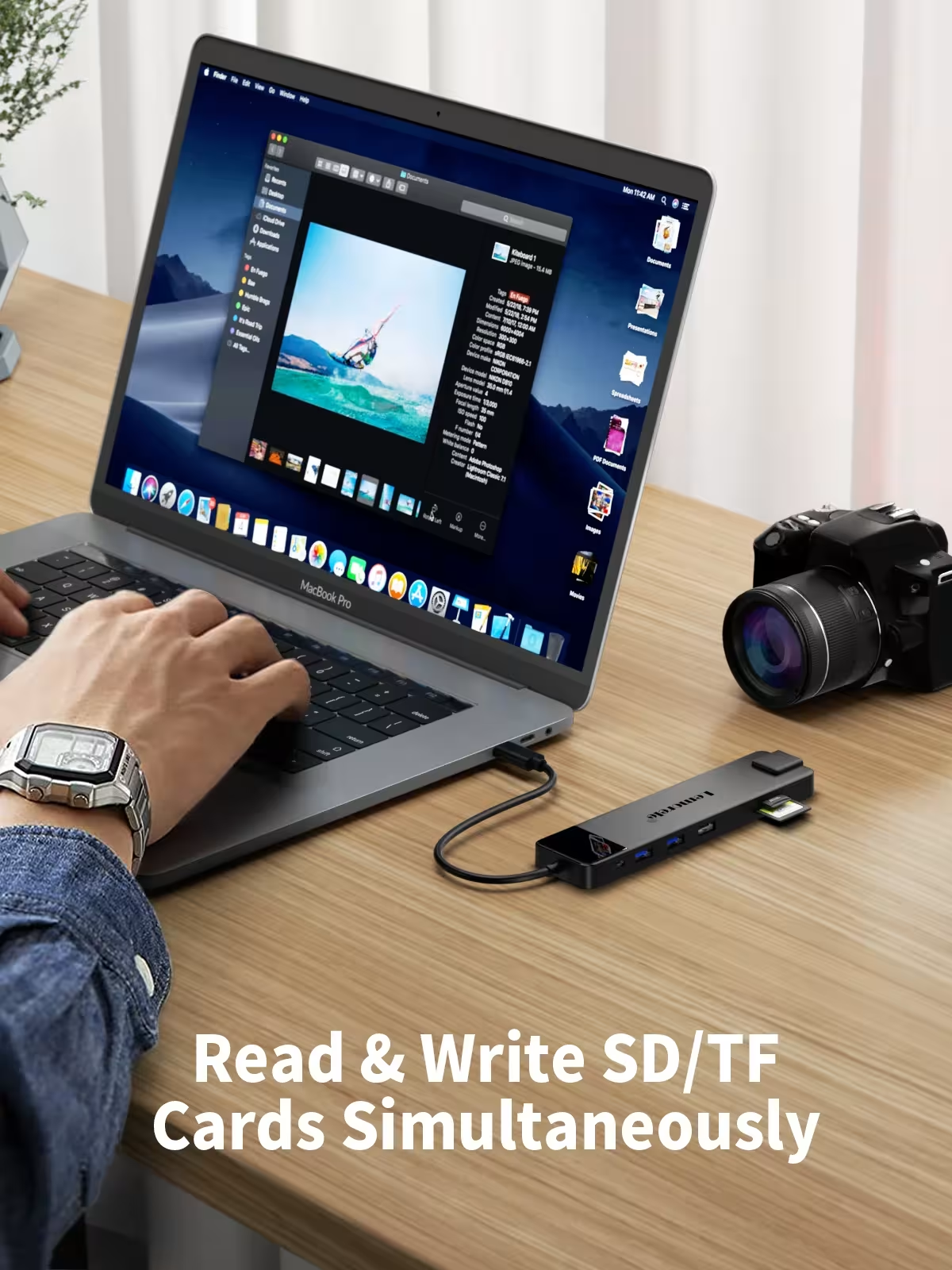
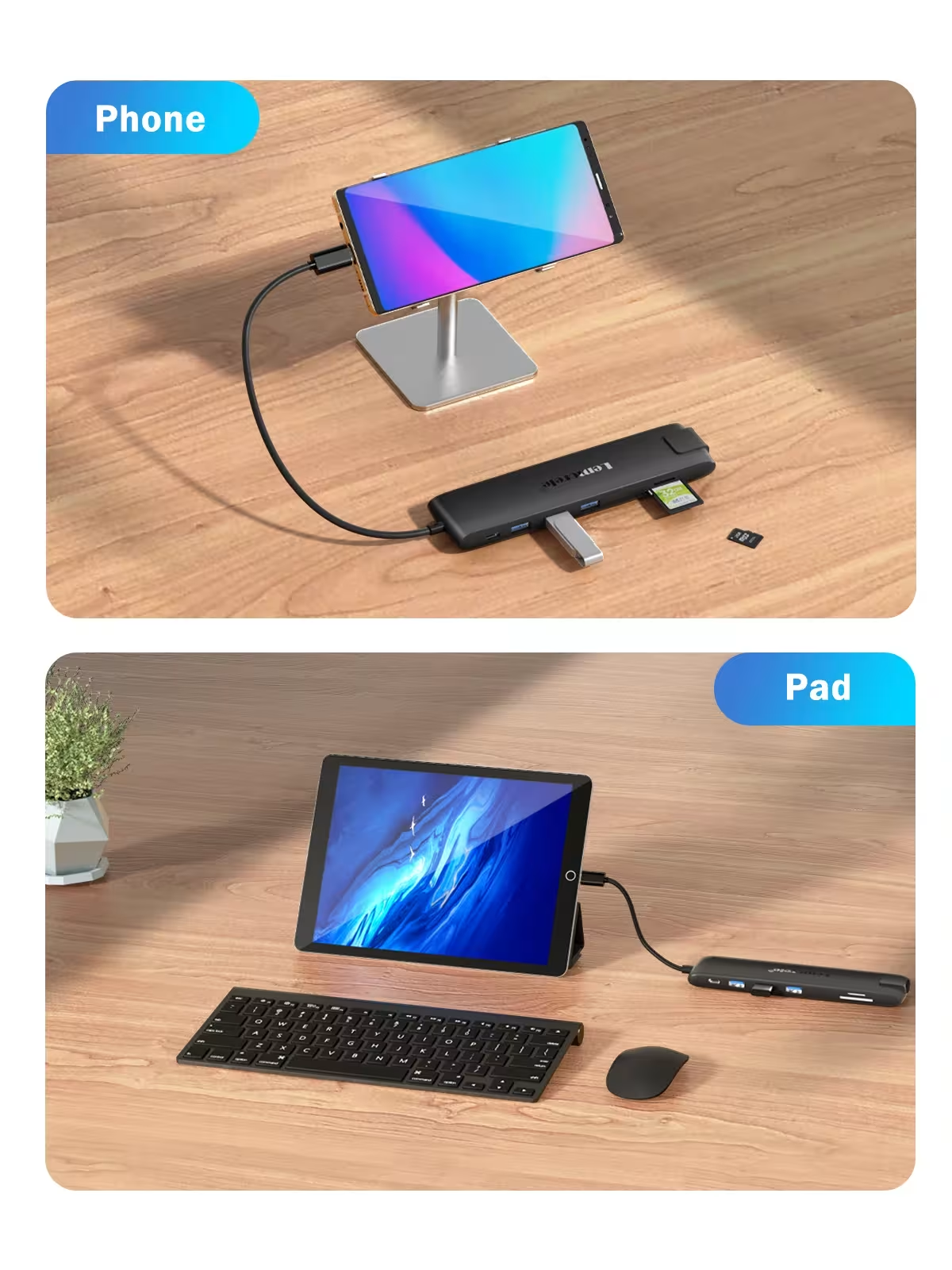
- Card reader The device features SD and TF card slots that can operate simultaneously, making it convenient to transfer photos or video files from cameras.
- Audio Output — The 3.5mm AUDIO port allows you to connect headphones or speakers for additional audio control.
Technical specifications
- Network Interface: RJ45-1000M
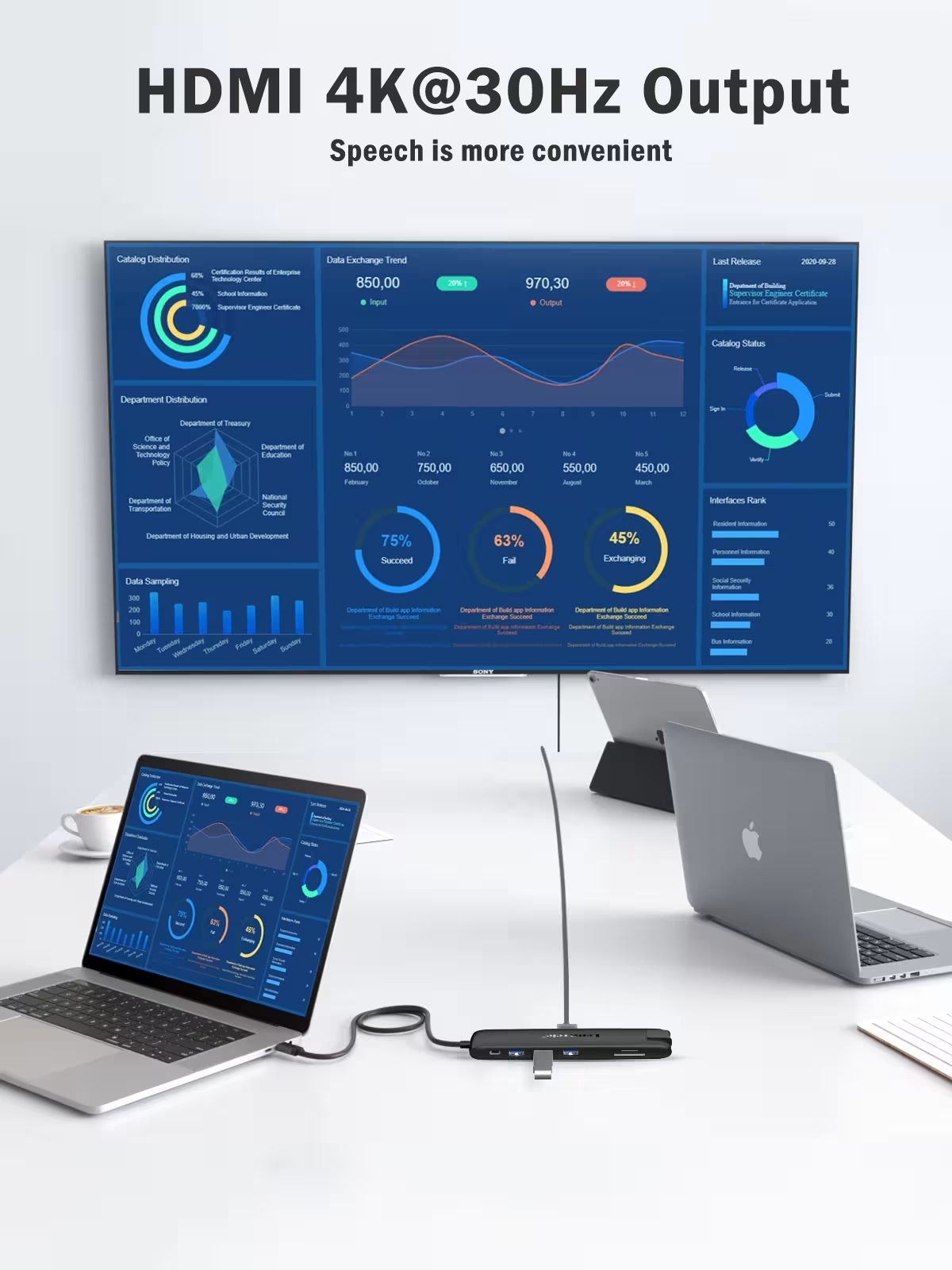
- Display Interfaces: 2×HDMI-4K@30Hz + VGA-1080P@60Hz (when using both HDMI ports simultaneously, only 1080P output is supported)
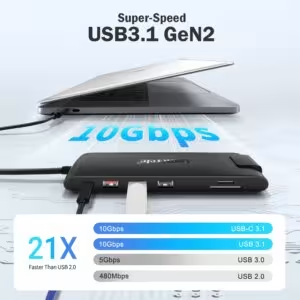
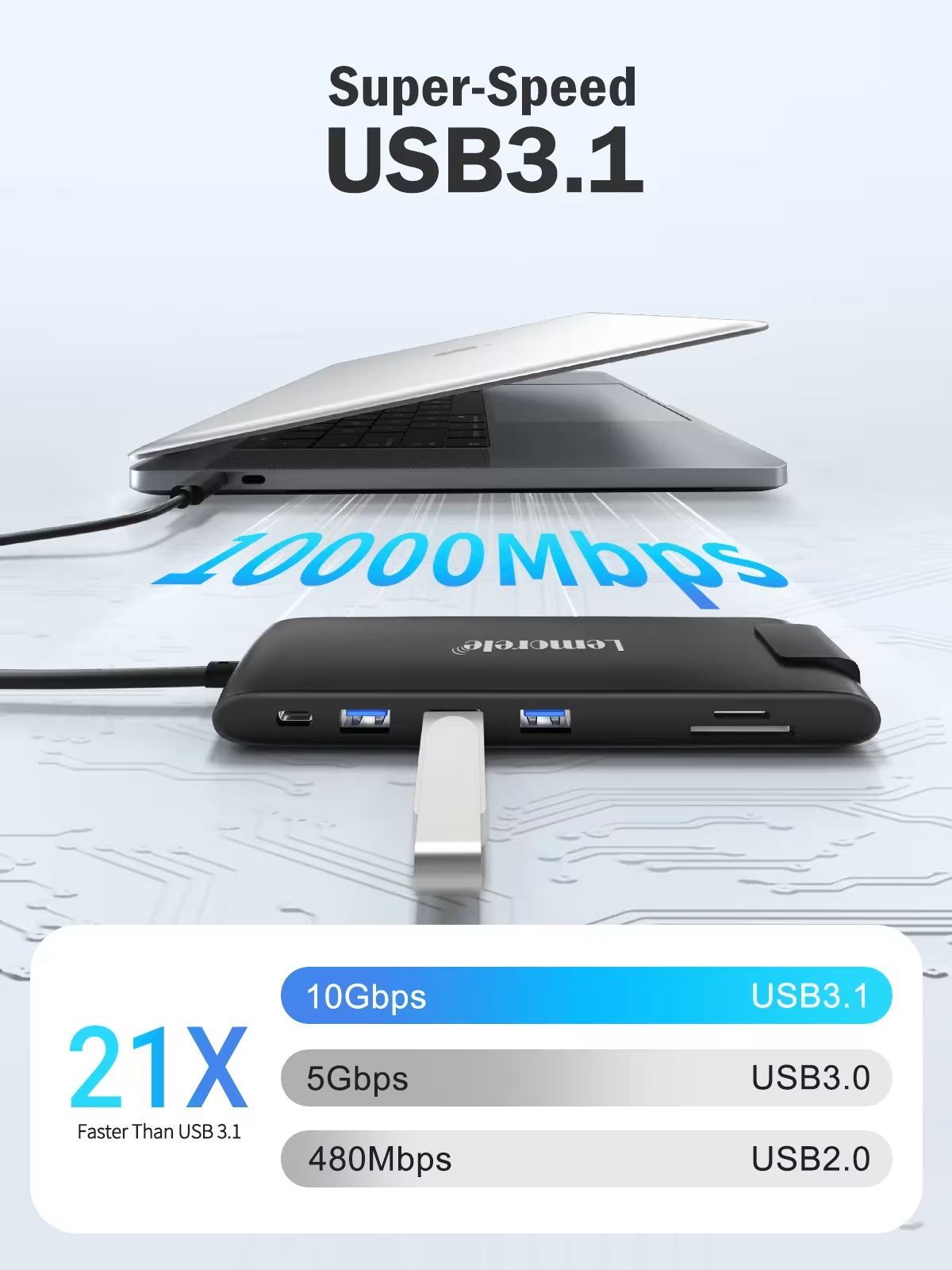
- USB Ports: 2×USB-A-3.0 + 2×USB-A-2.0 + 1×USB-C-3.0
- Memory Card Interface: SD + TF (supports simultaneous operation)
- Power Connector: USB-C-PD-100W
- Audio Interface: 3.5mm AUDIO (audio output only is supported)
- Note: When using the HDMI port, ensure that your laptop's USB-C port supports audio and video output.
- Note: When using both the HDMI and PD power ports simultaneously, the USB-C port must support audio, video output, and power at the same time; otherwise, either the HDMI or PD port will not function.
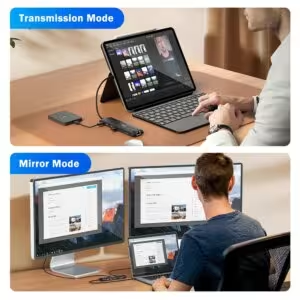
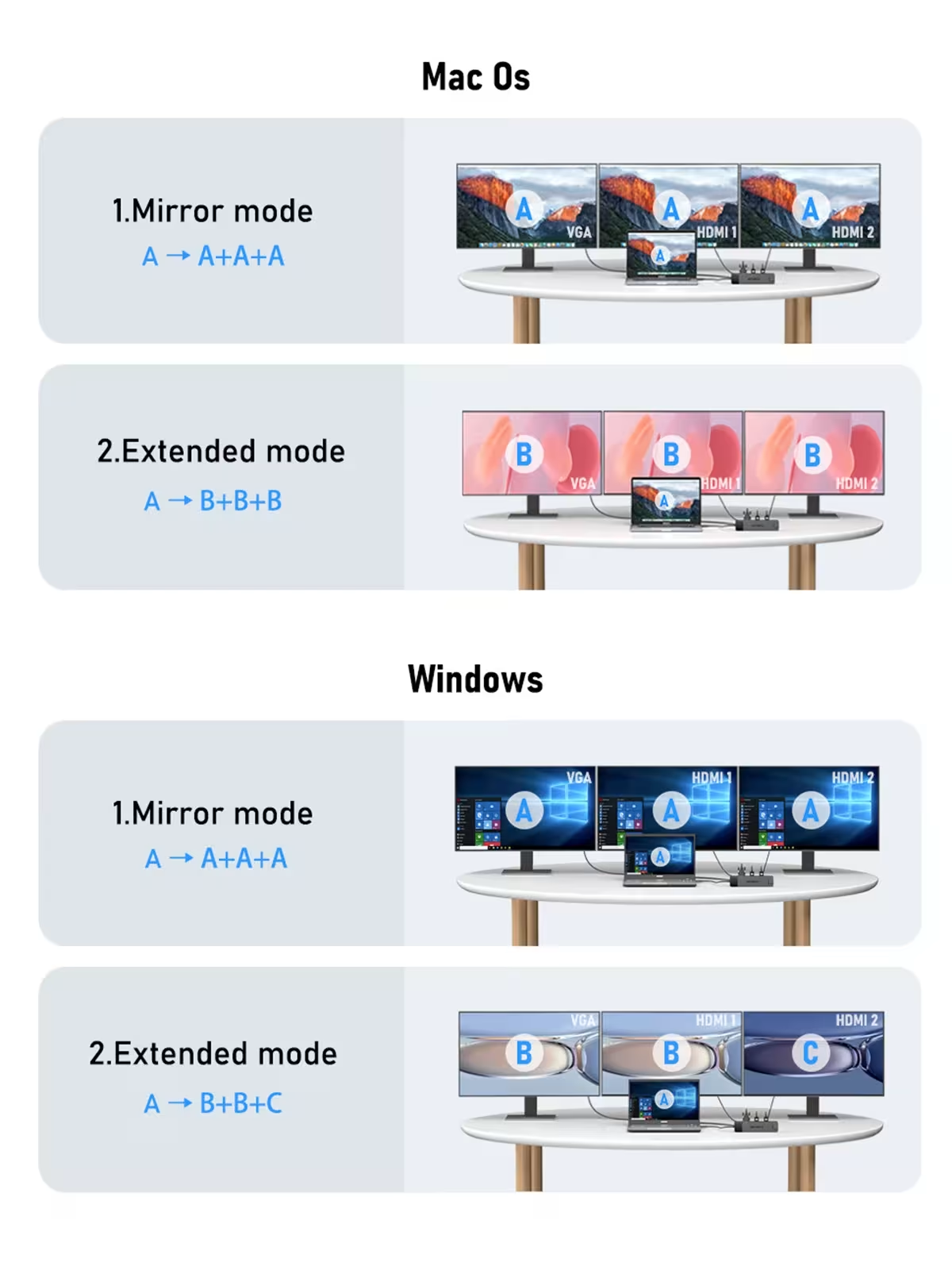
- Triple Display Expansion on Windows: A to A+A+A, A to B+B+C; in copy mode, three displays are supported simultaneously; in extended mode, VGA corresponds to HDMI1.
- Triple Display Expansion on Mac: A to A+A+A, A to B+B+B; in both copy and extended modes, all three displays show the same content.
Who is it suitable for and how to use it?
This USB C docking station is perfect for office workers, designers, programmers, and anyone who needs multiple displays at their workspace. Connect the device to a MacBook or Windows laptop's USB-C port and instantly gain access to HDMI, VGA, network, USB, and card reader ports. Before using HDMI or PD functions, check if your device's USB-C port supports all required functions simultaneously.
Buyer questions
Q: Can both HDMI outputs be used simultaneously at 4K resolution?
No, when both HDMI ports are used simultaneously, only 1080P video output is supported. To achieve 4K@30Hz resolution, use only one HDMI port at a time.
Q: Is the docking station compatible with both MacBooks and Windows computers?
Yes, the device is compatible with both operating systems. However, the triple display expansion modes are different; Windows supports different content on each screen, while macOS displays the same image on all screens.
Q: Can I charge my laptop using the HDMI port at the same time?
Yes, but this requires your computer's USB-C port to simultaneously support audio and video output as well as power. Otherwise, either the HDMI or PD power port will not function.
Lemorele USB C docking station – a reliable choice for those who need more ports, fast networking, and convenient multi-display management all in one. Ideal for work, learning, and creative projects.
Sources: USB-C standard | TopSmart store

| Weight | 0.140 kg |
|---|---|
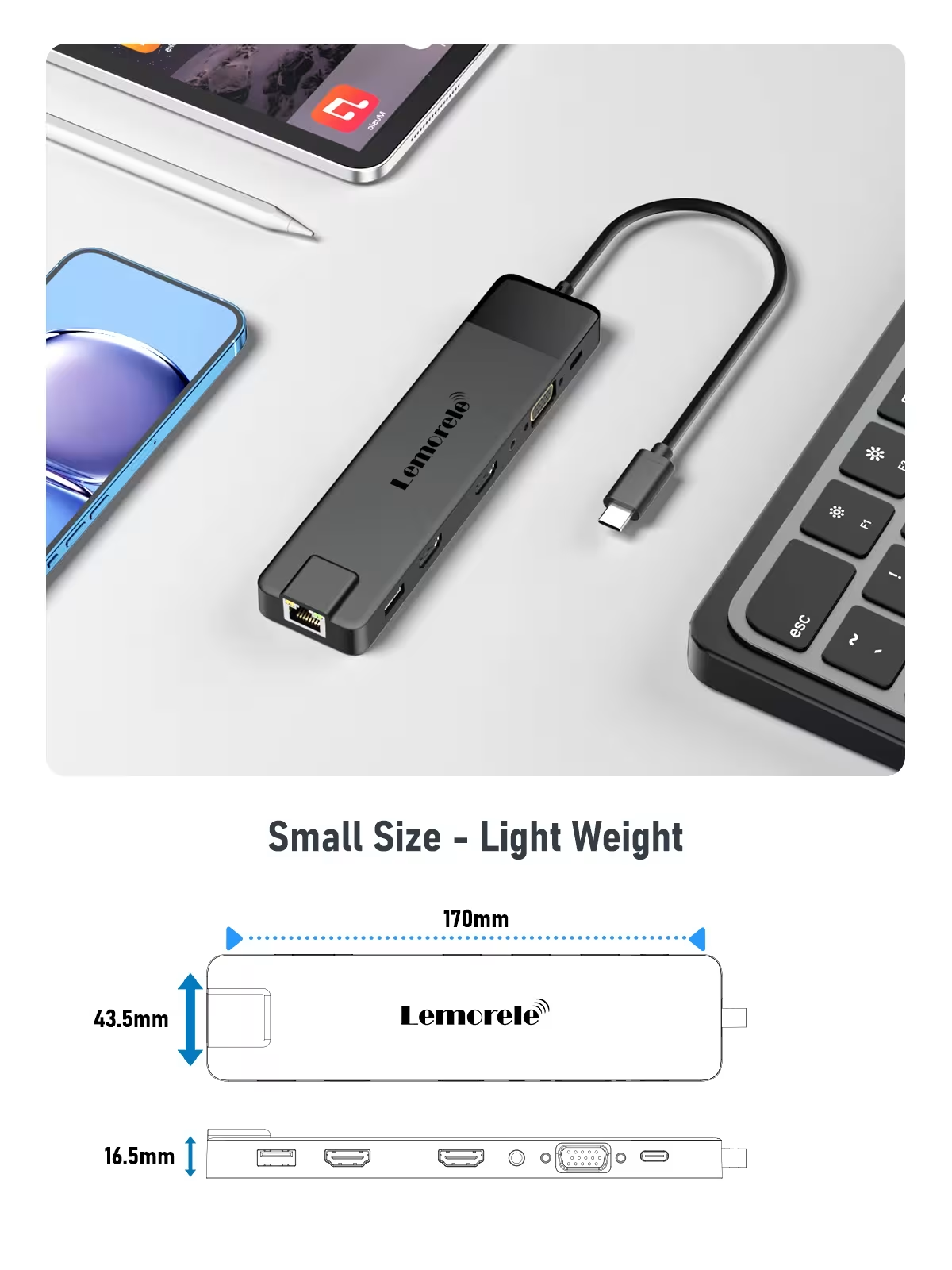
| Dimensions | 26 × 11 × 4 cm |
| Brand | lemorele |
| Function | VGA / RJ45 |
| Ports | 13, 13 |
| High- related chemical | None |
| Origin | Mainland China |
| Interface Type | USB Type-C |
| Package | Yes |
| Langth | 25cm |
| Model Number | TC96 |
| Standard | USB 3.0 |
| Certification | CE, FCC, RoHS |
| Plug Type | None |
| Compatible PC Devices | Laptop |
| Option | Yes |
18 review for Lemorele 13-in-1 USB-C dokavimo stotelė su 4K Dual HDMI, VGA, Gigabit LAN, SD kortelių skaitytuvu MacBook ir Windows

20 in 1 Multi Digital Camera Earring Keyboard Cleaning Tool Set
AULA F108 pro wireless Bluetooth gaming keyboard with TFT smart screen
USB KVM switch 2 inputs 4 outputs for keyboard mouse printer

V * * * g –
Top seller
Question: 13-in-1 USB3.1
d –
Fast delivery, is light, small and easy to carry around, works perfect in every way
Question: 13-in-1 USB3.1
Customer –
Just what I needed
Question: 13-in-1 USB3.0
Customer –
Question: 13-in-1 USB3.1
Customer –
It works as intended when you plug it in but it isn’t compatible for all hdmi connections. It also doesn’t come with its external power cable which i thought it would have similar to dell docking stations.
Question: 13-in-1 USB3.0
Customer –
works very well
Question: 13-in-1 USB3.0
J * * * n –
Question: 13-in-1 USB3.0
T***z –
This is the second one I’ve bought, they are perfect. I use a Dell XPS as a tower when I get home and connect the monitor, keyboard, mouse, network cable, and with a vertical stand activating it with its power source. You don’t have to open it; it turns on directly. And when you leave home, you remove a cable, take it out of the stand, and that’s it.
Question: 13-in-1 USB3.1
H***d –
Real good usb hub. Fast delivery. Works well with two hdmi interfaces and network connection. Easy to connect my laptop to my home workplace. Includes power usb charching to laptop.
Question: 13-in-1 USB3.0
M***l –
It does its job thanks 🙏
Question: 13-in-1 USB3.0
Customer –
The function works well. HDMI supports up to 4K 30Hz, but please note that it appears slightly blurry at 60Hz. I am satisfied that I can just watch it on another monitor with HDMI.
Question: 13-in-1 USB3.1
Customer –
Question: 13-in-1 USB3.1
Customer –
It’s amazing, the only thing that bothers me a little is that the cable is too short for me. But works really good and has power input which makes everything really stable.
Question: 13-in-1 USB3.0
Customer –
All seems good so far. ordered on the 3 april, and delivered on the 8 april before noon. i’m impressed. works well with my macbook air m5 as a hub. only little gripe is that the audio jack is only for output, not for microphone input. so i’ll have to remember to pack headphones everytime i’m mobile. also you have to use the pd usb-c port for linking an external drive. overall, for the money i’m pleased.
Question: 13-in-1 USB3.1
Customer –
I bought it to use 2 extra monitors in addition to my laptop, and with a single connection you can connect everything you need to work, even the charging cable. It’s convenient for laptops when you have to connect it frequently when going to the office or working remotely. It takes up very little space and is highly recommended.
Question: 13-in-1 USB3.1
9 * * * r –
Very good and high quality. works perfect and made my desk to be much more organized ! the cable length in particular is long and comfortable to connect which is super important and stands out from other products
Question: 13-in-1 USB3.0
Customer –
Question: 13-in-1 USB3.0
Customer –
Question: 13-in-1 USB3.1