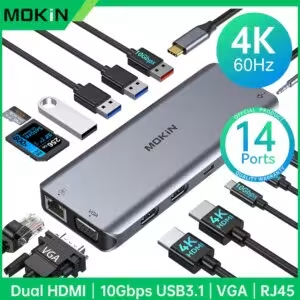



USB Type-C socket 14in1 4K 60Hz HDMI VGA Gigabit Ethernet PD 100W
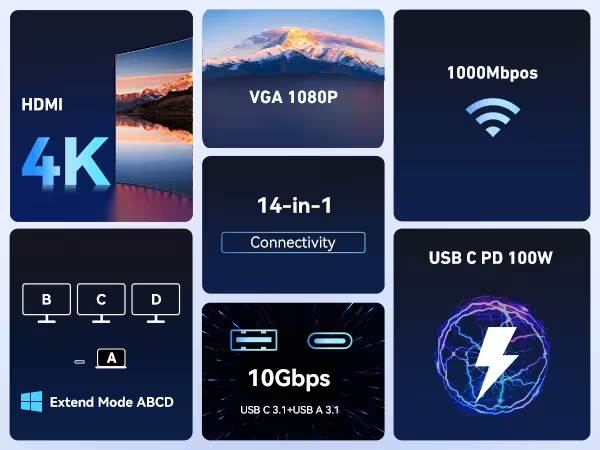
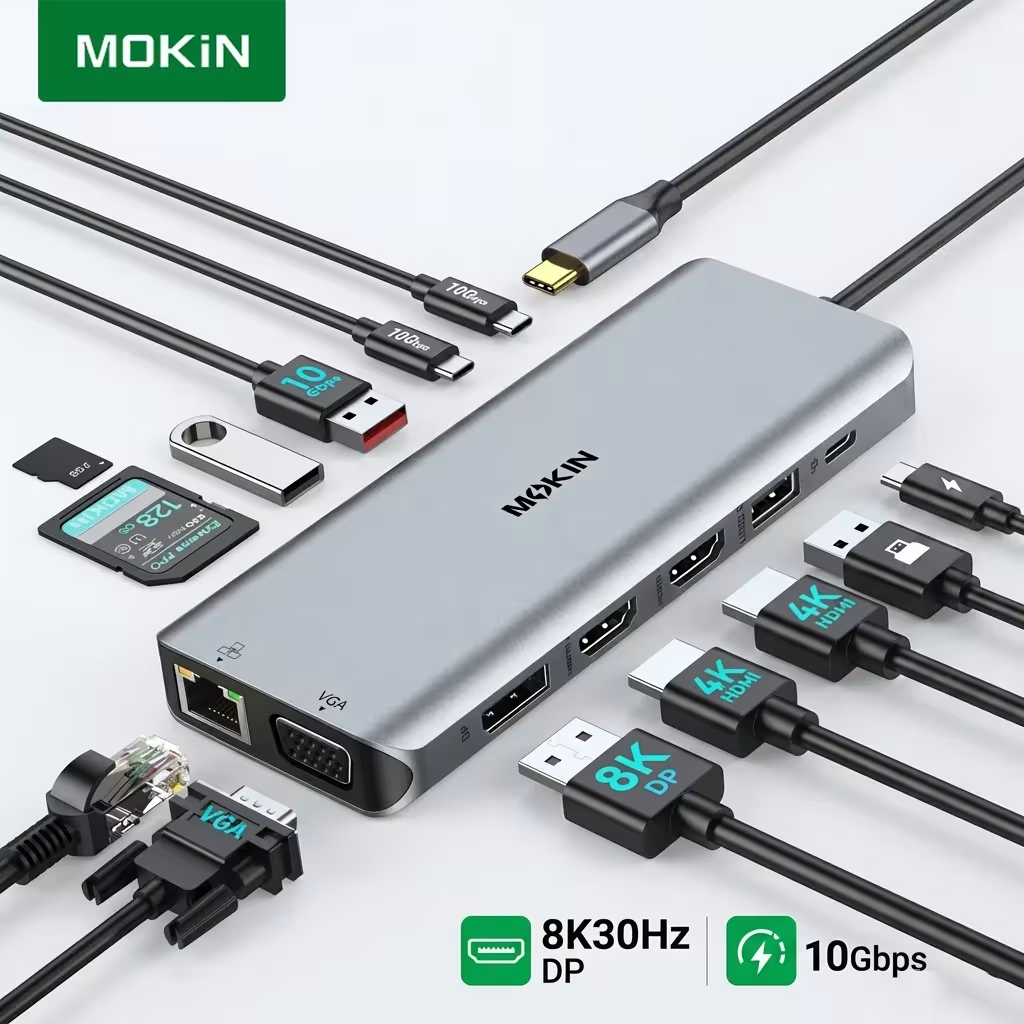
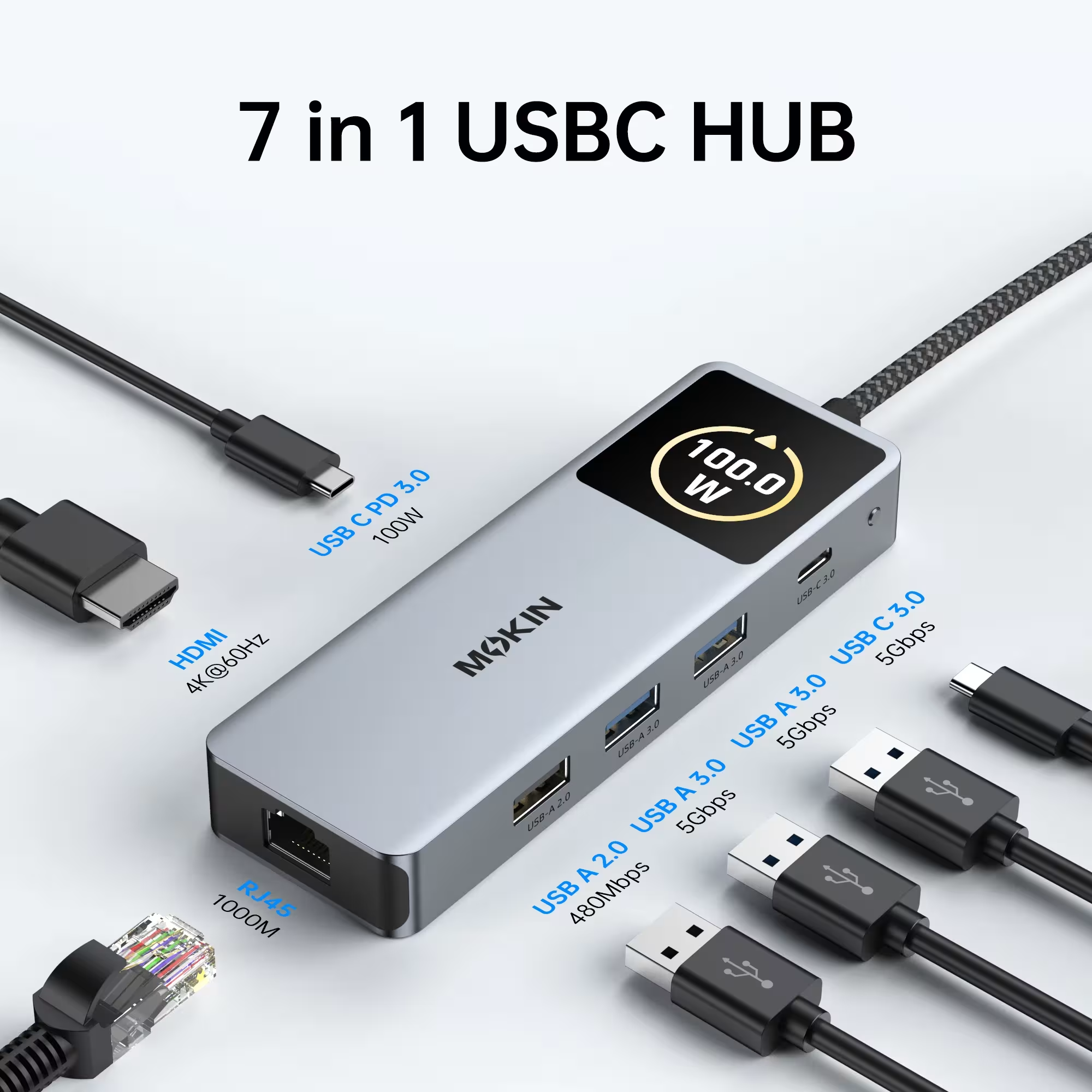
USB TypeC socket 14in1 is a versatile connection solution designed for Mac, iPad and computers with USB-C port. This multifunctional socket provides access to more than 14 different ports including two HDMI, VGA, Gigabit Ethernet, SD / TF scanner and a powerful 100W power supply. This is the ideal choice for those who work with several external tools and want maximum reliability of the connection. USB TypeC socket 14in1 transforms your workstation into a fully integrated system with extraordinary video and data transfer capabilities.
USB Type-C socket 14in1 features and advantages
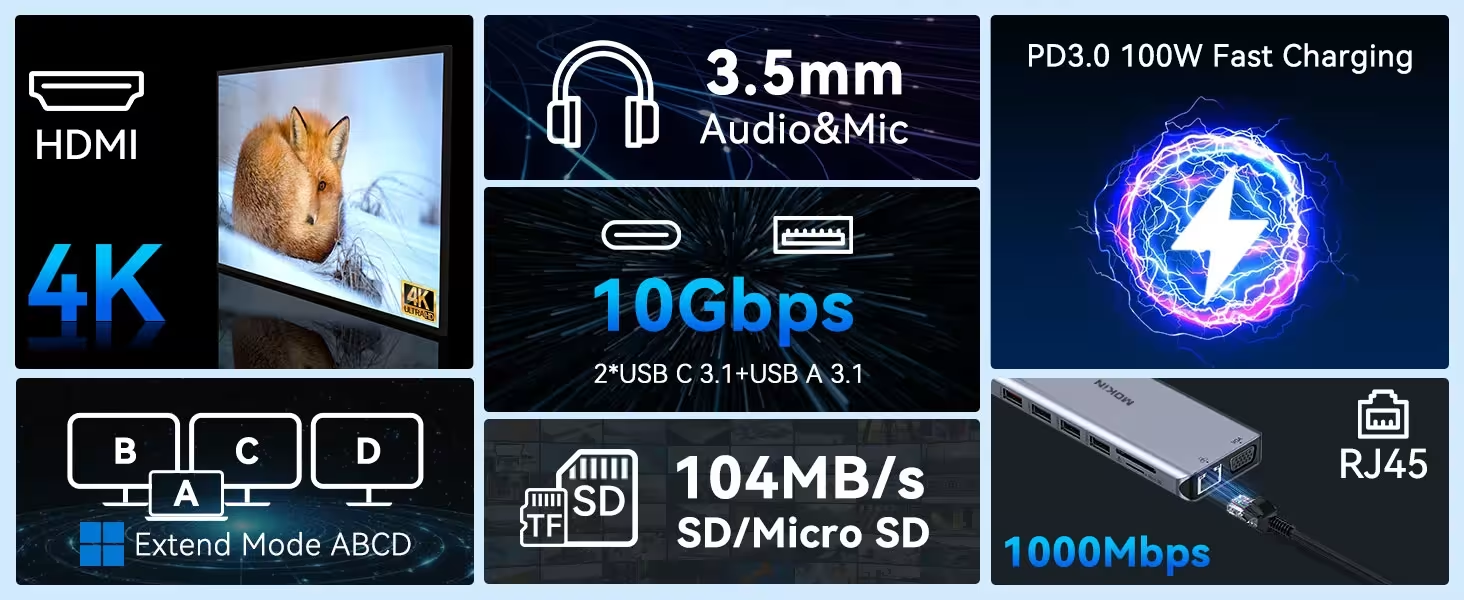
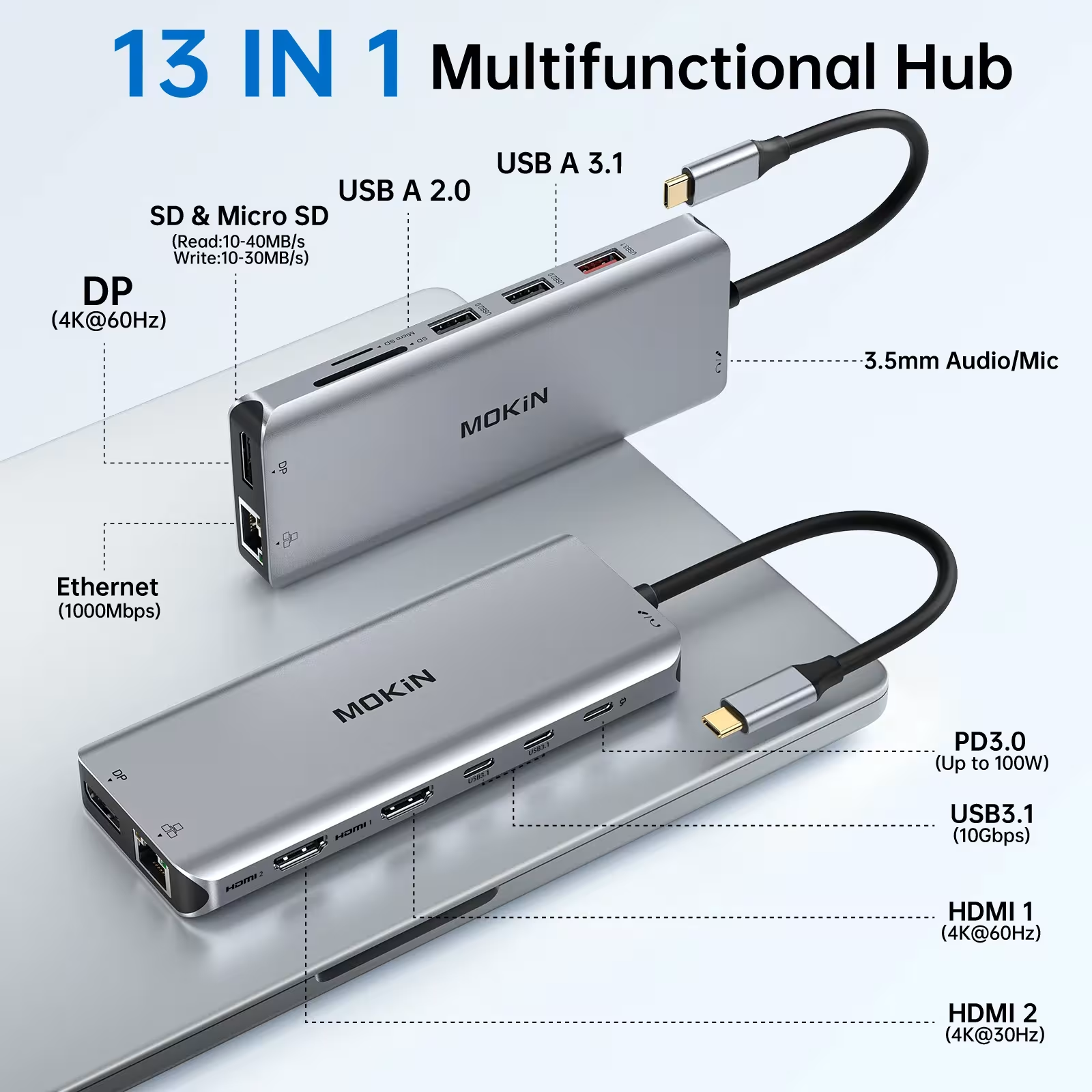
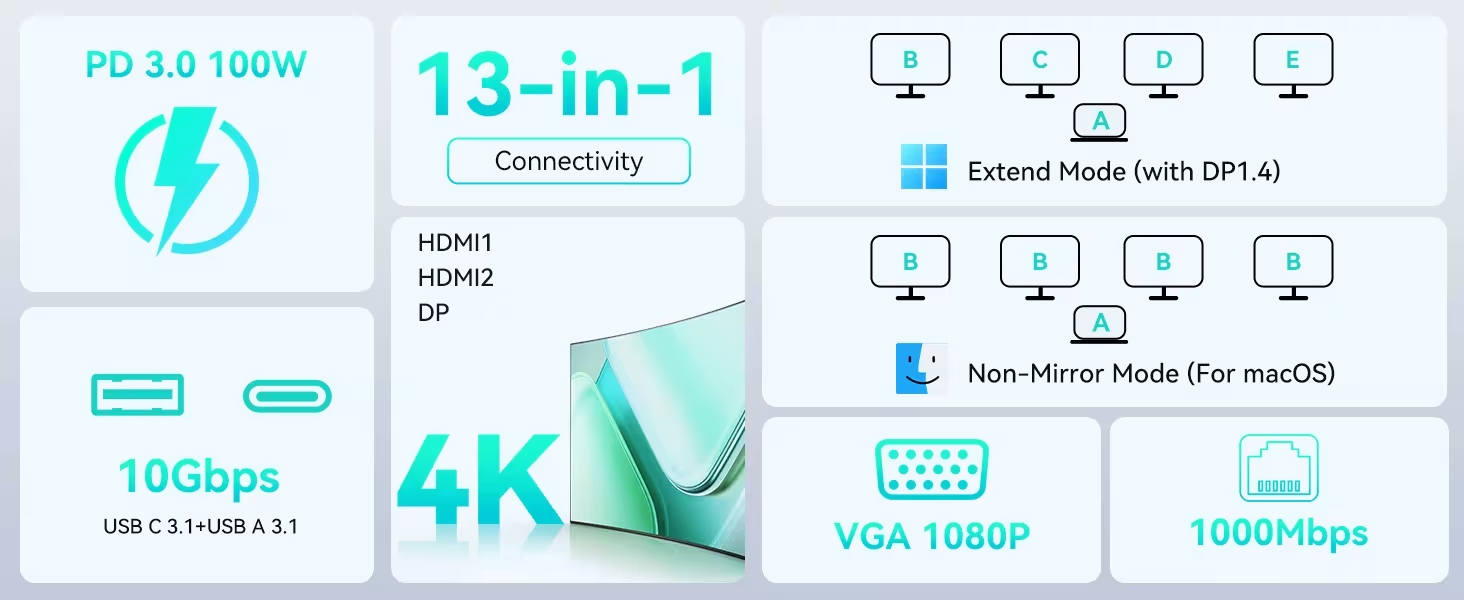
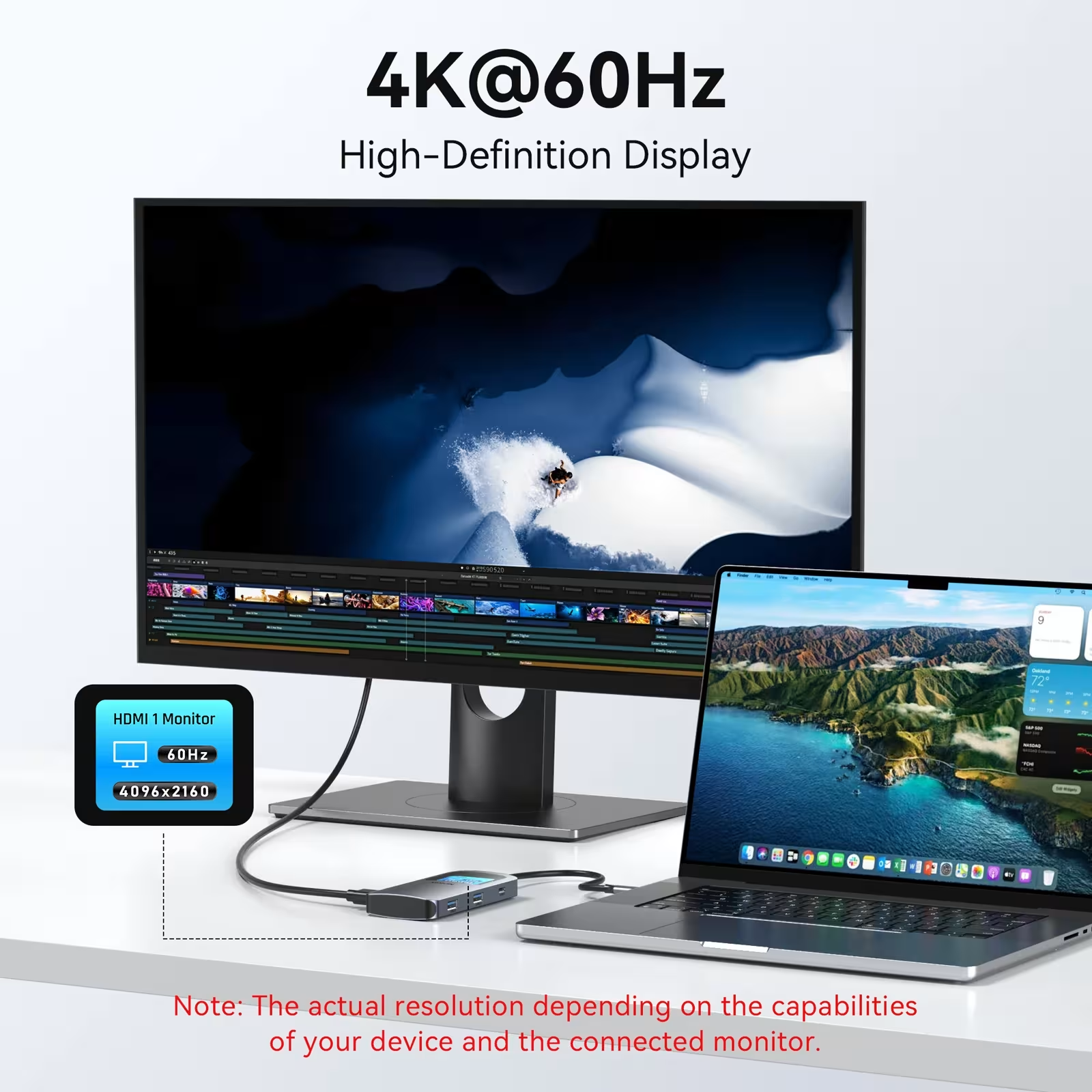
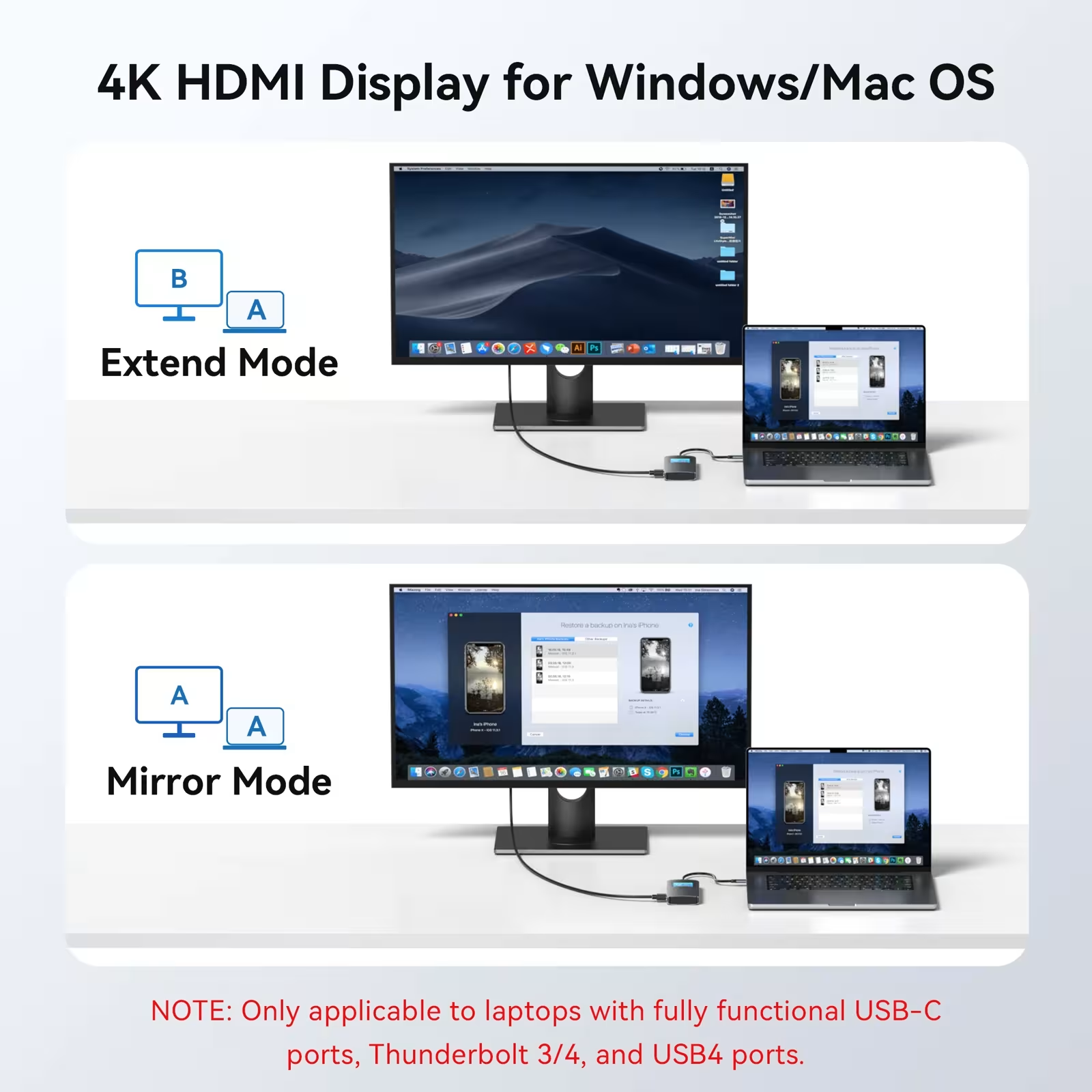
- 4K 60Hz HDMI video output - The first HDMI port supports 4K resolution at 60Hz, providing stunning video and smooth image. The second HDMI port supports 4K 30Hz, allowing you to connect two monitors for different purposes. This USB TypeC slot 14in1 is a perfect solution for digital creators and content makers.
- VGA port 1080p resolution - For those who use older screens or projectors. This USB-Type-C socket 14in1 ensures that it will not become incompatible with older video ports, from 480p to 1080p resolution.
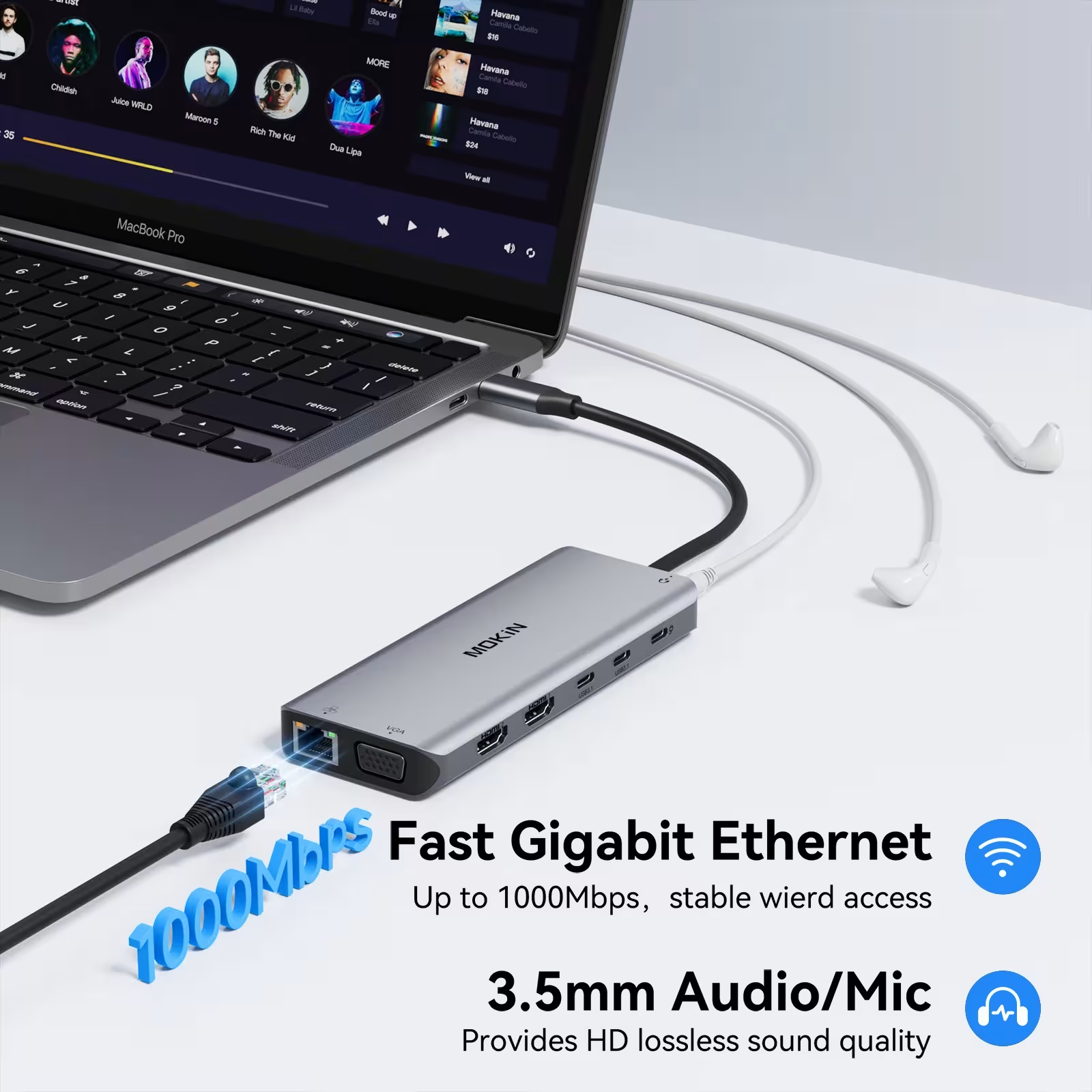
- • Gigabit Ethernet with RJ45 connector - Provides a brake and fast wired Internet connection with a speed of 1000 Mbps. Ideal for those who need permanent Internet connection without a wireless signal interruption, especially during videoconferences or data transmission.
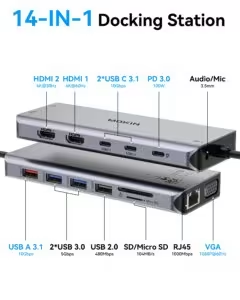
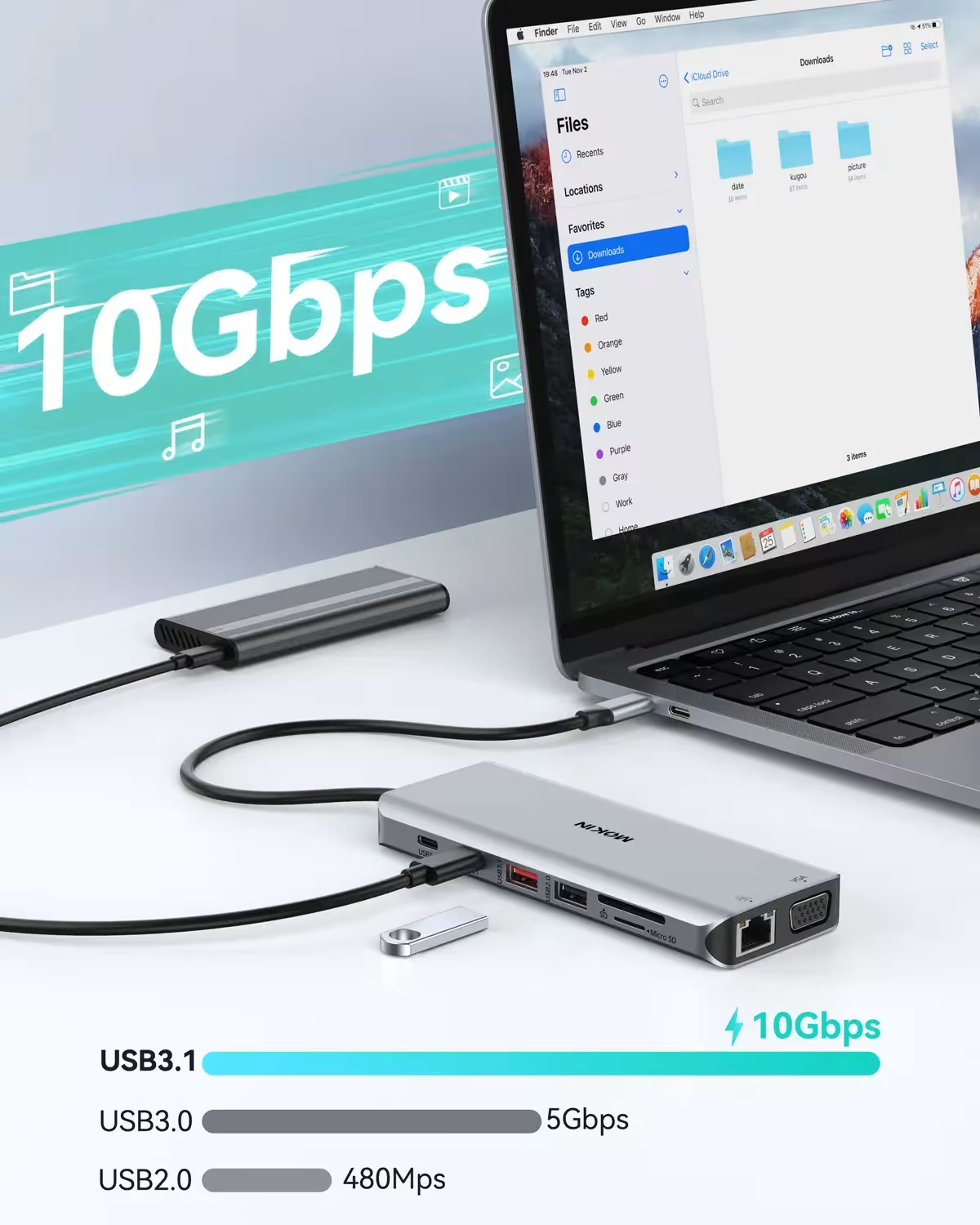
- USB 3.1 and USB 3.0 ports for data transmission - USB TypeC socket 14in1 has one USB 3.1 port (up to 10 Gbps) and two USB 3.0 ports (up to 5 Gbps) for fast file transfer. Supports backward compatibility with USB 2.0 and 1.0 standards.
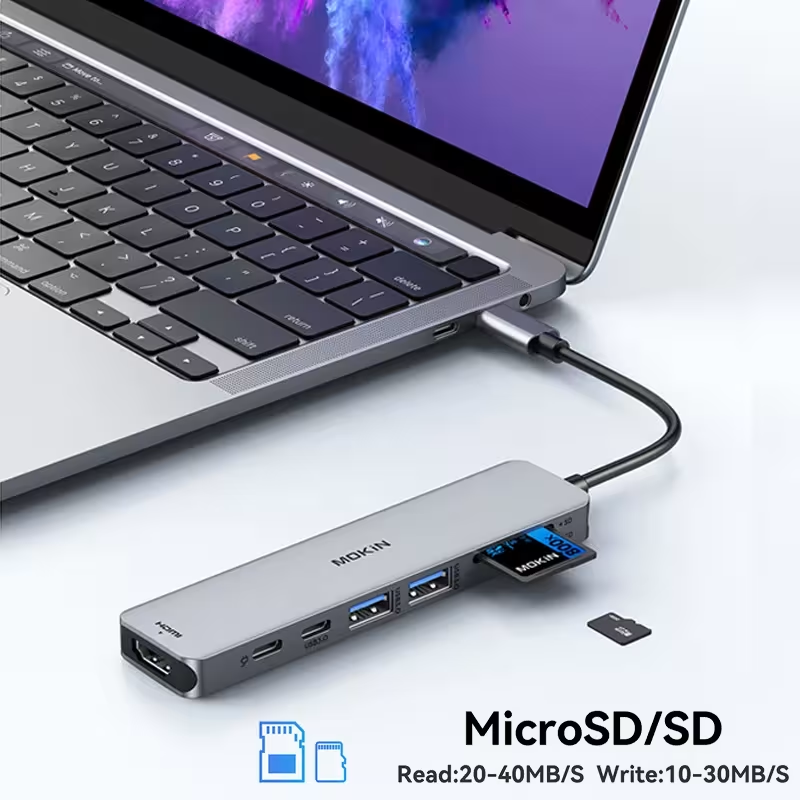
- SD and TF card reader - External card reading and writing speed reaches 20-40 MB / s for reading and 10-30 MB / s for writing. Two cards can be used simultaneously, perfect for those who often work with photos from cameras and mobile devices.
- 3.5 mm audio and microphone port - USB TypeC socket 14in1 provides direct access to audio input and output with CTIA standard connection. Perfect for those who care for high quality sounds or the need to use an external microphone.
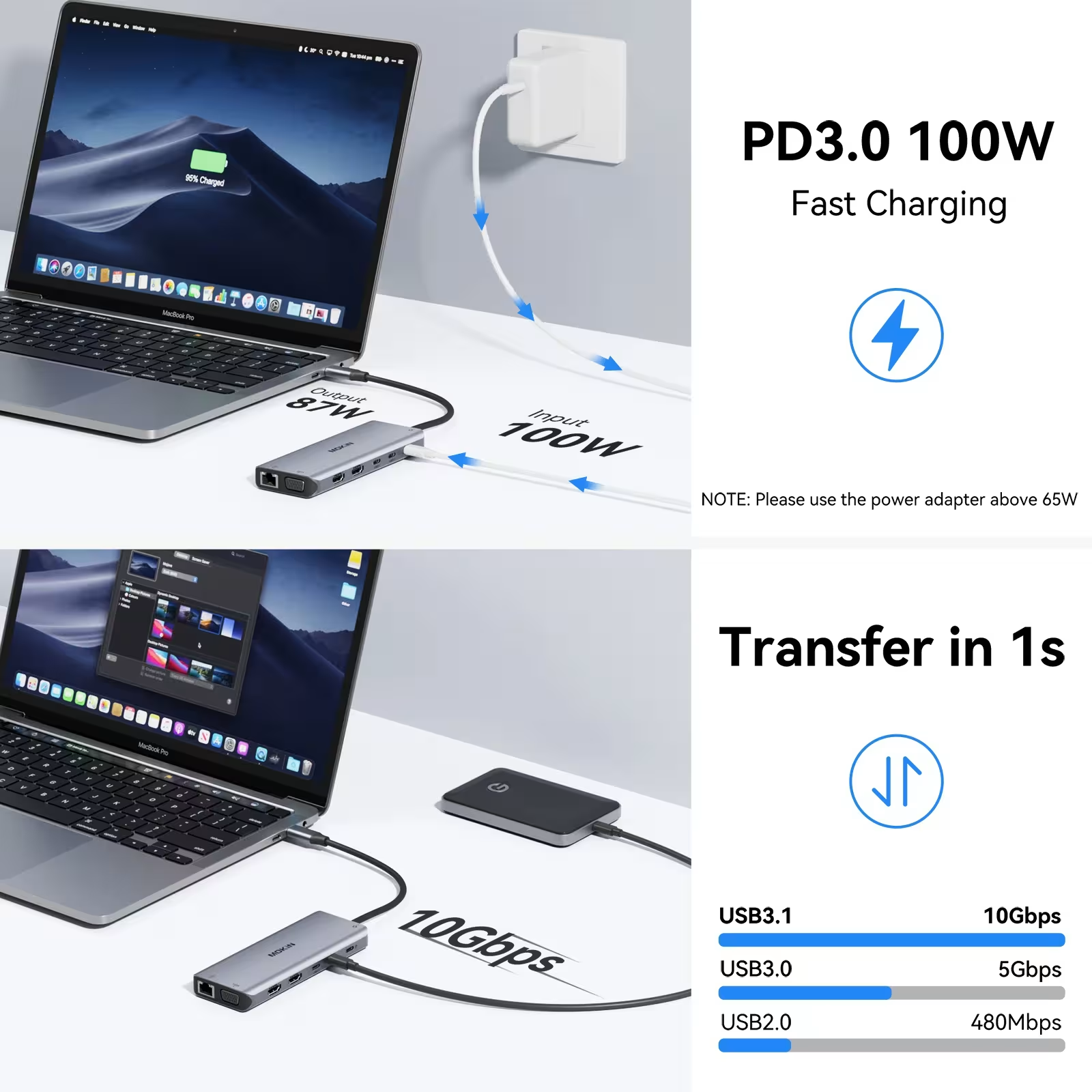
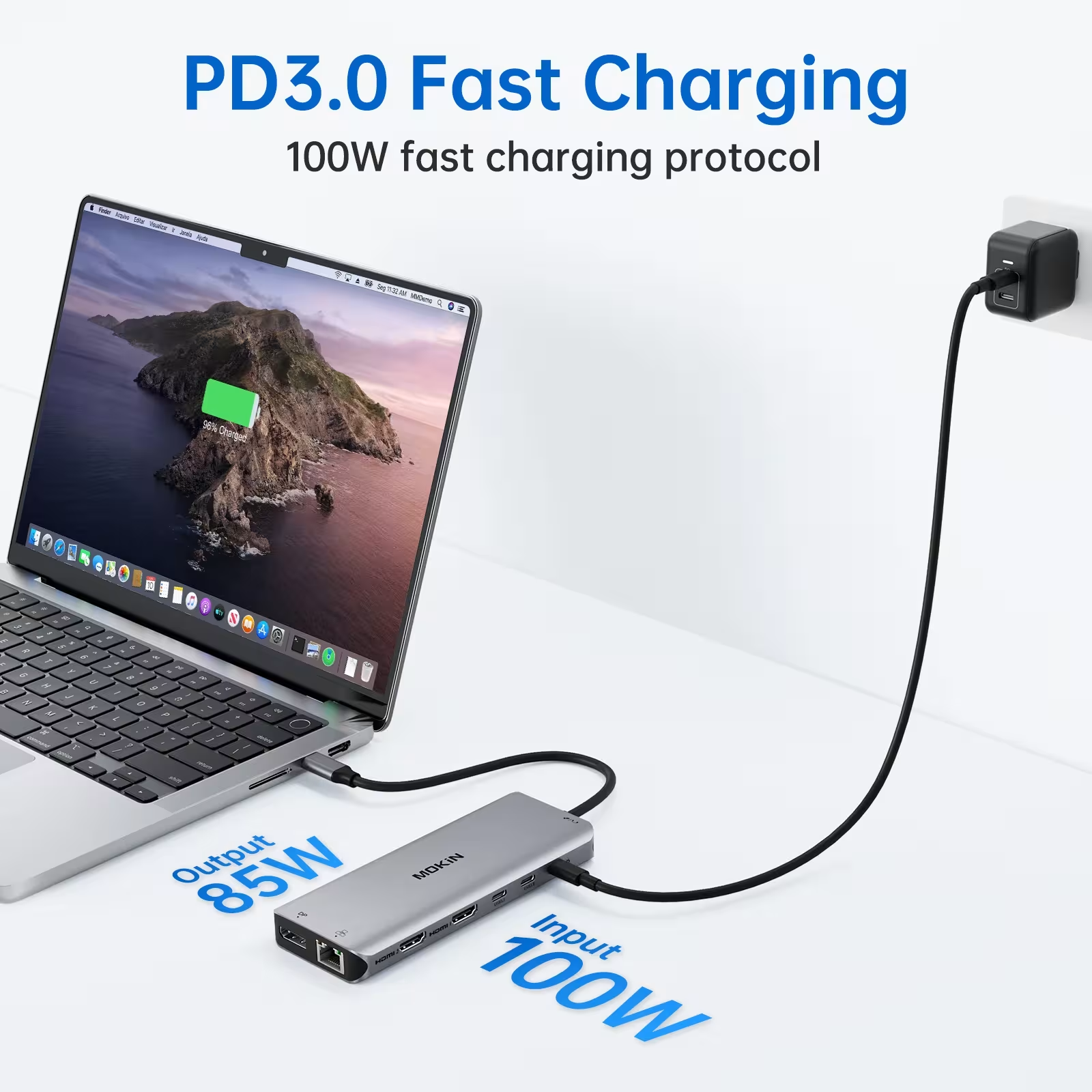
- 100W Power Delivery power supply - Powerful PD power supply module automatically regulates voltage and current according to your device's needs. You can immediately charge MacBook Pro, iPad Pro or other USB- C devices at continuous capacity up to 100W.
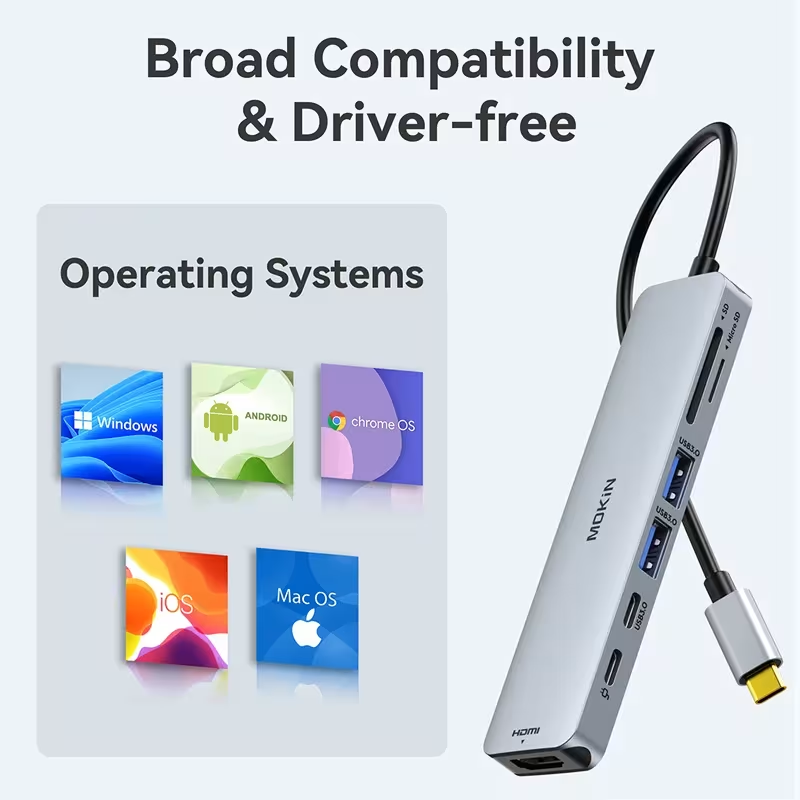
- Platform compatibility with Mac, Windows, iPad and Android - USB TypeC socket 14in1 works with MacOS, Windows, iPad OS, Chrome OS, Android and Linux operating systems, providing a universal solution for all your tools.
Technical specifications
- Ports: 2 × HDMI (4K 60Hz + 4K 30Hz), 1 × VGA (1080p), 1 × USB 3.1 (10 Gbps), 2 × USB 3.0 (5 Gbps), 1 × USB 2.0 (480 Mbps), 2 × USB- C 3.1, 1 × RJ45 Gigabit Ethernet, 1 × 3.5 mm Audio / Mic, 1 × SD / TF card reader, 1 × Power Delivery
- Power Delivery power: Maximum 100W (87W) For Mac Security)
- • Ethernet speed: 1000 Mbps (Gigabit)
- HDMI maximum frequency: 4K / 60Hz 10 bit, 1080p / 60Hz 48 bit, 720p / 60Hz 48 bit
- VGA maximum frequency: 1080p / 60Hz 24 bit, 720p / 60Hz 24 bit, 480p / 60Hz 24 bit
- SD / TF reading: 20-40 MB / s, writing: 10-30 MB / s
- Operating Systems: Windows, Mac OS, iPad OS, Chrome OS, Android, Linux
For whom this USB Type-C socket 14in1 and how to use
USB TypeC socket 14in1 is perfect for professionals who work with many devices at the same time. If you are a video editor, you have two or three monitors, you use external hard drives and you need a brake connection on the Internet, this slot will necessarily transform your work experience. Photographers can quickly download photos from SD cards that do not need to be disconnected from other devices. For business professionals, USB Type-C socket 14in1 helps to connect to the designers' conferences or significantly accelerate data transfer processes. Simply connect the socket to your USB- C port, and you have access to almost all that you will ever need in your technology.
Why choose this product?
USB TypeC slot 14in1 is an investment in your productivity and comfort. Unlike the temporary use of several separate adapters, this single universal socket gives you all the necessary connections in a compact form. Quality and durability are guaranteed because the socket is made of high quality materials and certified for international safety. USB TypeC slot 14in1 combines with all your existing devices' ecosystem and keeps its value for years. By using this slot, you will avoid the path of the infinite adapters and will have peace knowing that all your connections are safe, fast and reliable.
Frequently asked questions
Question 1: Is the 14-in-1 USB Type-C adapter compatible with all MacBook models?
USB Type-C socket 14in1 compatible with any MacBook Air or MacBook Pro that has a USB-C port, including M1 and M2 versions. It also works with iPad Pro for USB- C. Before purchase, check that your device has a USB-C port and not other slots.
Question 2: How many monitors can be connected via USB TypeC socket 14in1?
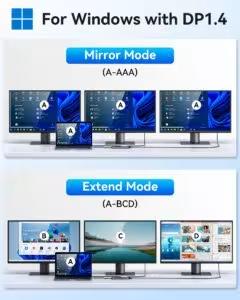
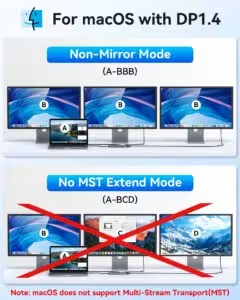
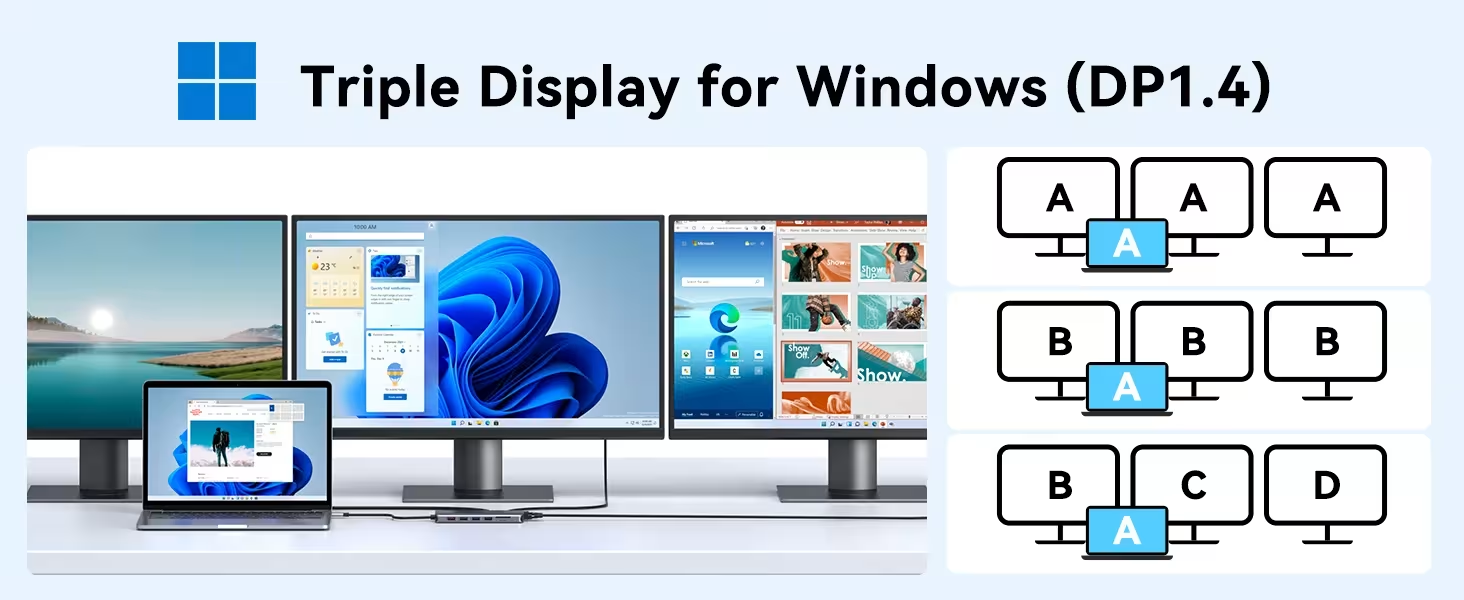
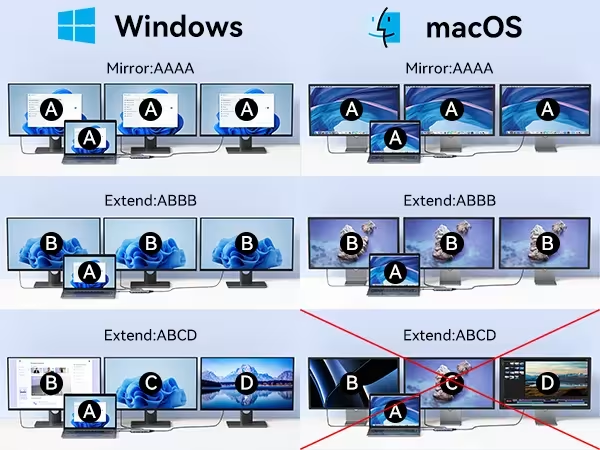
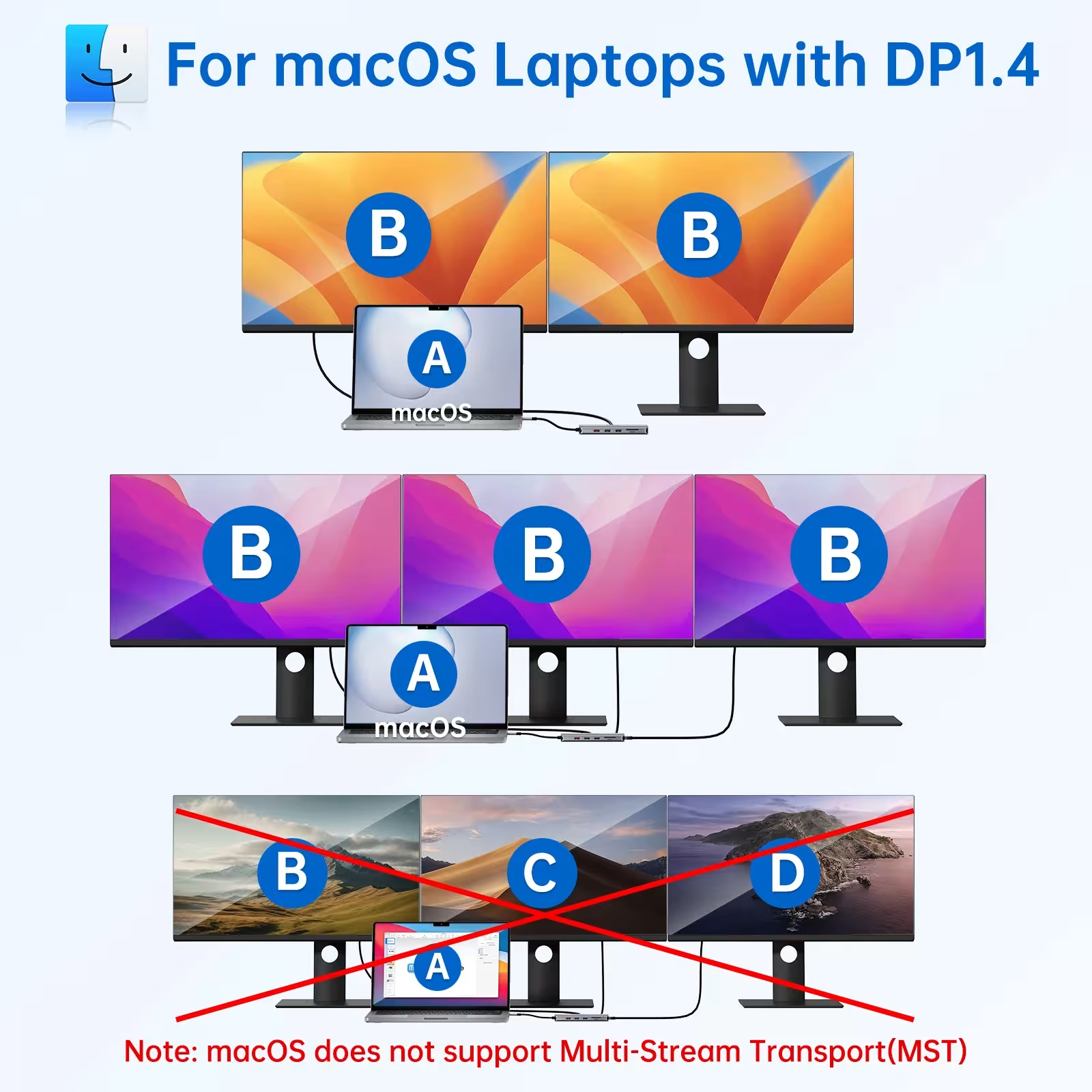
USB TypeC socket 14in1 supports up to four monitors in expansion mode On Windows systems and up to three extensions Mac systems. This depends on your operating system and video panel capabilities. The first HDMI port supports 4K 60Hz and the second 4K 30Hz, allowing you to get a high-quality view for multiple screens.
Question 3: Can USB TypeC socket 14in1 charge my MacBook Pro 16-inch model?
Yes, 100W Power Delivery power is sufficient for any MacBook Pro model, including 16 inch version. The slot automatically regulates charging power up to 87W for security. You can simultaneously use a socket for data transfer and loading without affecting speed.
Useful resources
To learn more about this product category, we recommend:
• USB TypeC standard specifications according to Wikipedia
• USB Power Delivery Specifications from the official USB organisation
• Household - more appliances in our store
















| Weight | 0.154 kg |
|---|---|
| Dimensions | 22 × 10 × 4 cm |
6 review for USB Type-C lizdas 14in1 4K 60Hz HDMI VGA Gigabit Ethernet PD 100W

Wireless controller for PlayStation 5
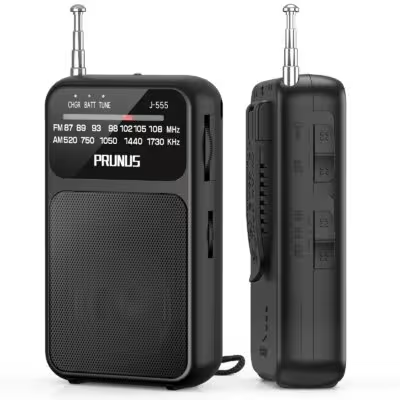
Portable pocket radio AM FM with USB-C charging and AAA battery
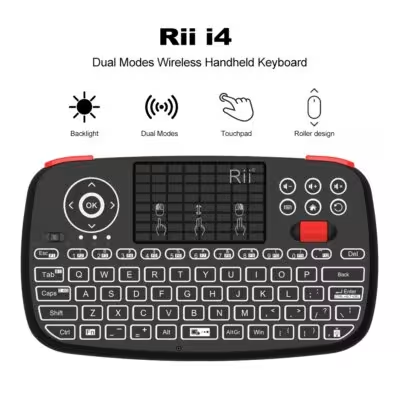
Rii i4 Mini BT Wireless Keyboard With Touchpad 2.4GHz Backlit Mouse Remote Control For Windows Android TV Box Smart TV

Y * * * a –
The dock is not charging the laptop and also isn't working.
Question: 14 in1 (2 HDMI, 10Gbps included) From: Mainland China
y * * * –
% 1
Question: 7 IN 1 (HDMI, USB3.0 included) From: Mainland China
H * * * t –
It doesn’t work with all of my devices, so make sure that your device is capable before buying.
Question: 7 IN 1 (HDMI, USB3.0 included) From: Mainland China
Customer –
All metal construction. No problems encountered. Works perfectly.
Question: 7 IN 1 (2 HDMI, VGA included) From: Poland
J * * * e –
It flawlessly connects my laptop (bottom left) with my hd screen via hdmi (upper left) and my 4k screen (right). Also, laptop is powered via the hub. Excellent product, i will order another one!
Question: 13 in1 (2 HDMI, DP included) From: Mainland China
Customer –
Excellent material. This is the second one I’ve bought. The construction and materials are solid. The cable is very long. Everything works perfectly.
I use the hub with a dongle for a wireless keyboard, everything is recognized instantly, no disconnection.
Same for a USB-C / 3.5mm adapter.
Question: 7 IN 1 (HDMI, USB3.0 included) From: Mainland China