

WiFi smart weather station with temperature and humidity sensor
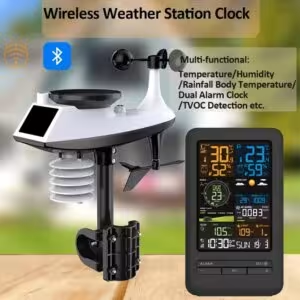
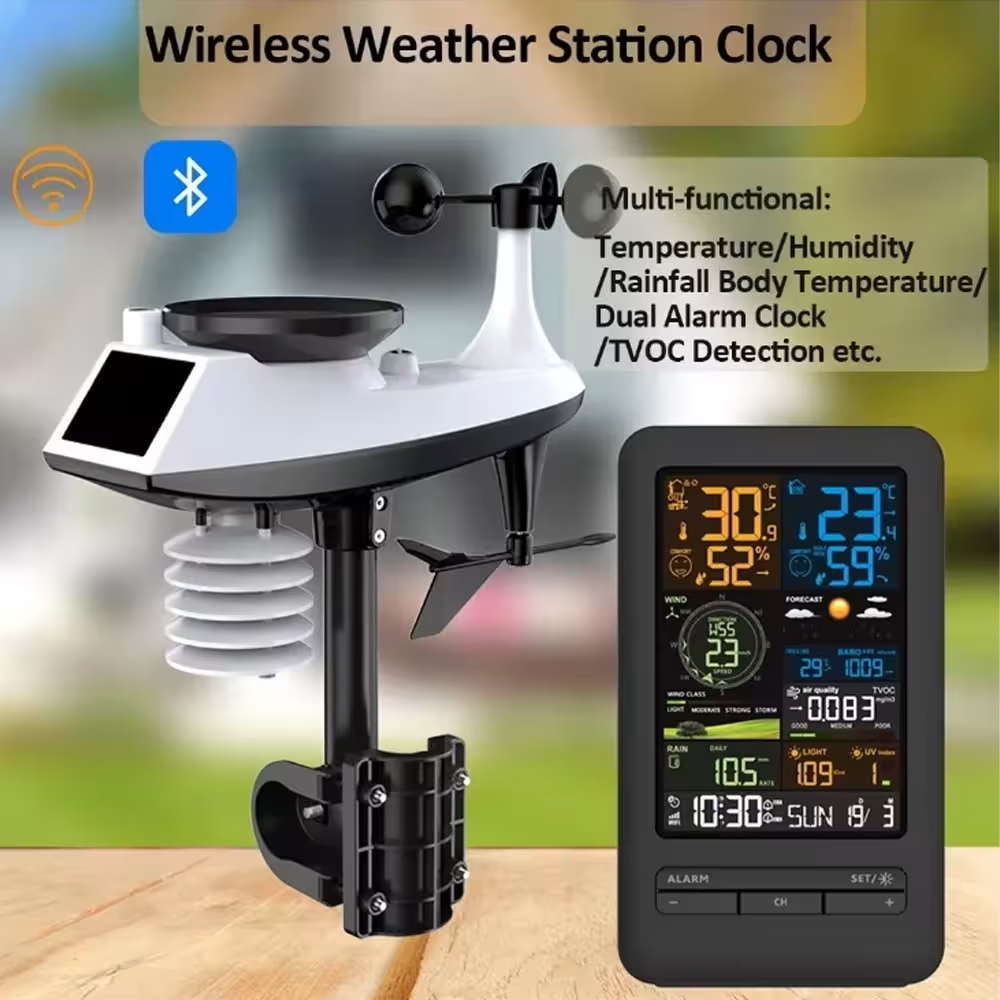
WiFi Smart weather station is a modern meteorological device for monitoring the home and business environment. The device uses a WiFi connection and a direct sensor interface to provide accurate information about temperature, humidity, atmospheric pressure, wind speed and precipitation rate. WiFi Smart Weather Station is the ideal choice for agriculture, meteorologists, urbanists and those who want to predict the weather or optimise their activities according to accurate data measured values.
WiFi Smart Weather Station - Key features
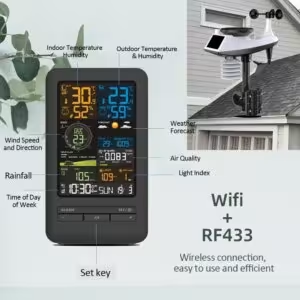
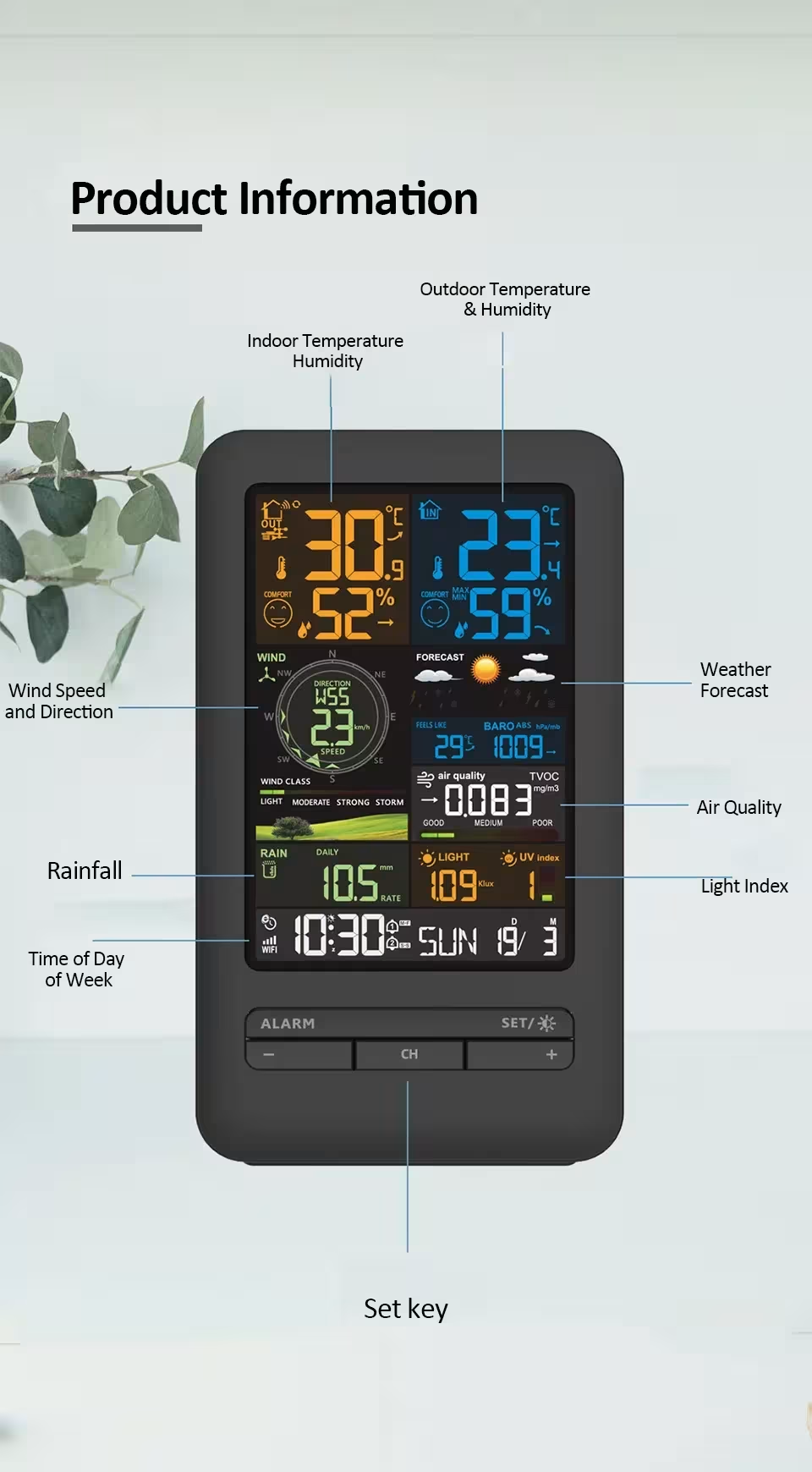
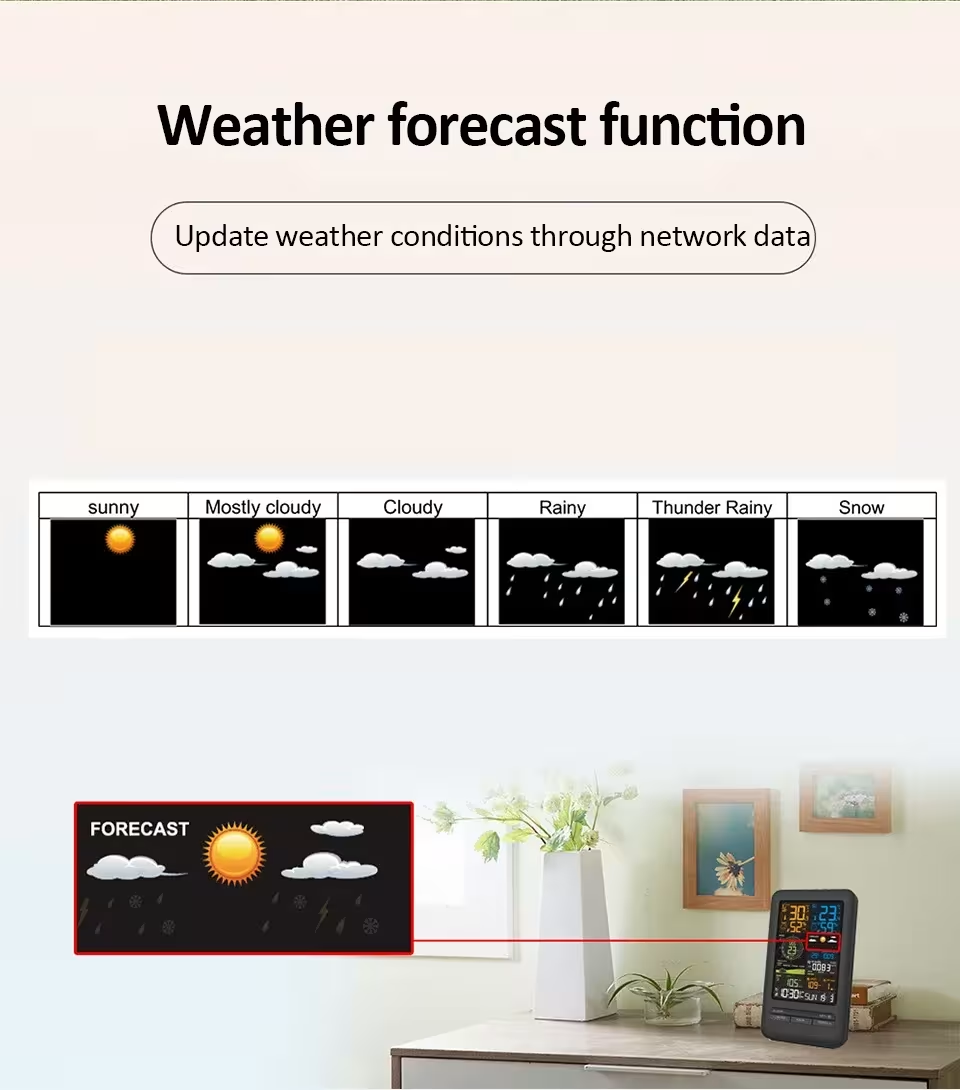
- Multifunctional screen with colors - the reading indicates temperature, humidity, precipitation data, wind speed and direction, atmospheric pressure, date, time and air quality index throughout the complete information painting.
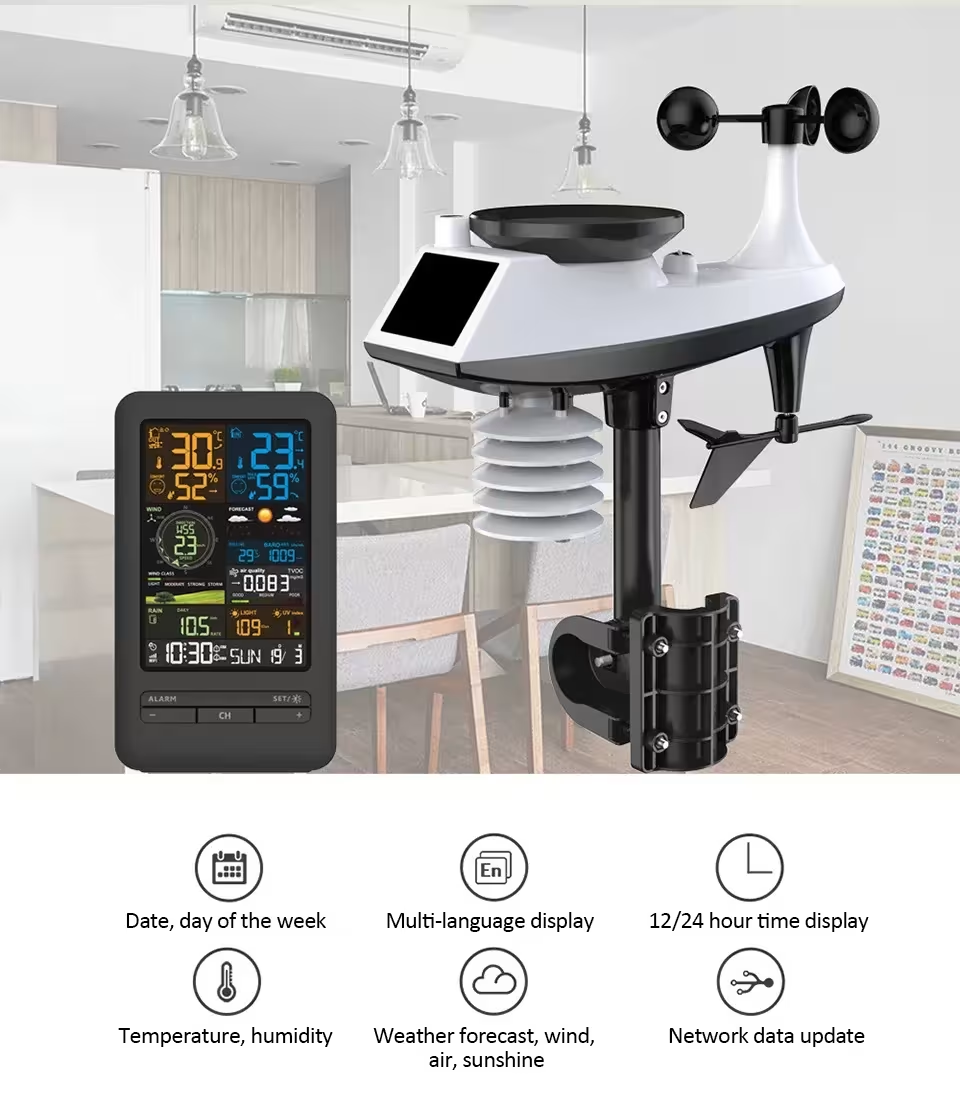
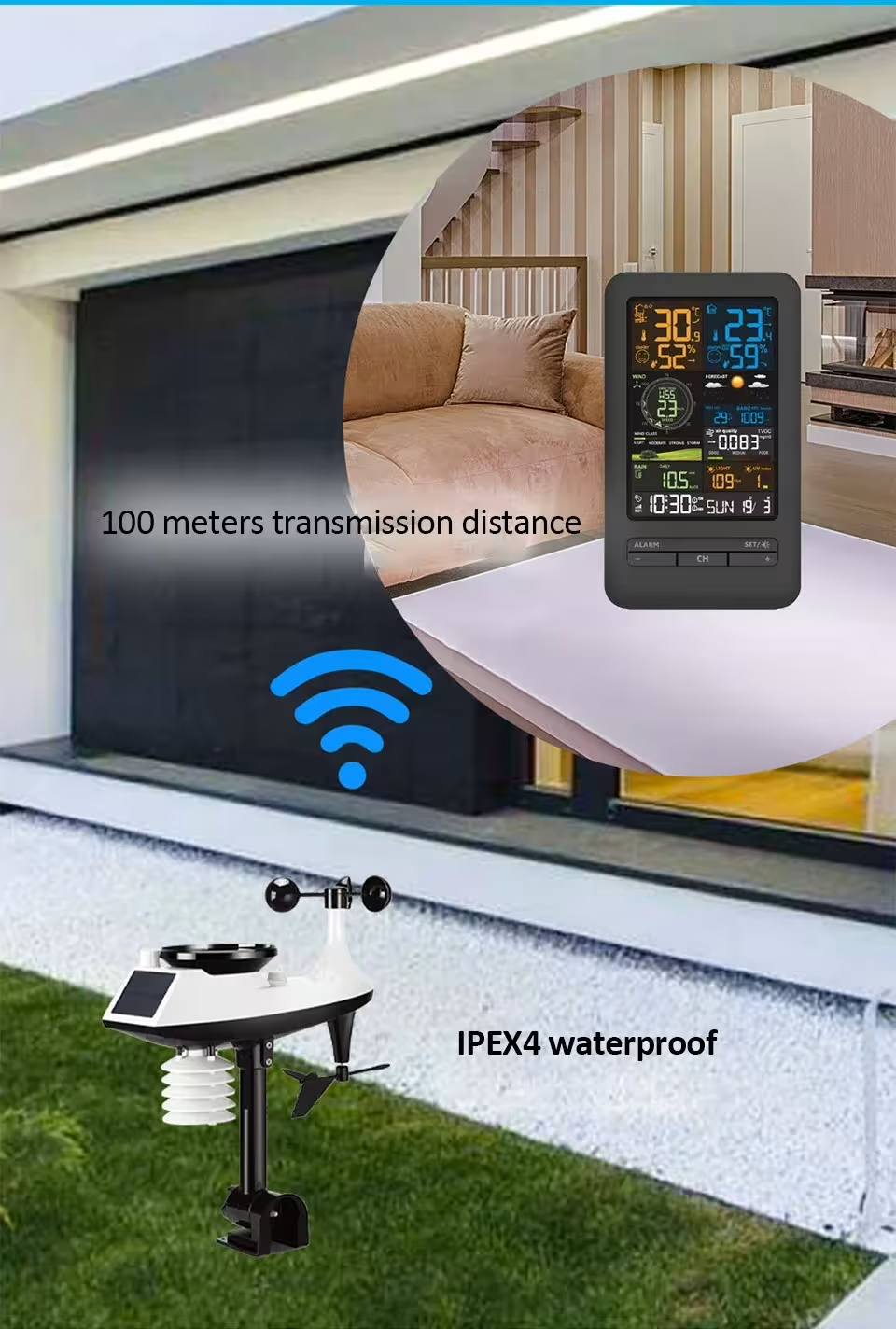
- Professional monitoring of precipitation and wind - integrated sensors take exactly the wind speed, direction and rain and their changes in real time, allowing them to increase production or outdoor work in advance.
- Prompt in screen exposure - five light intensity equality and automatic night mode provides comfort at night and day, adapting light to your needs.
- Historical Data Archive - the system stores maximum and minimum values in hours, days, weeks, months and years, helping to monitor long-term trends.
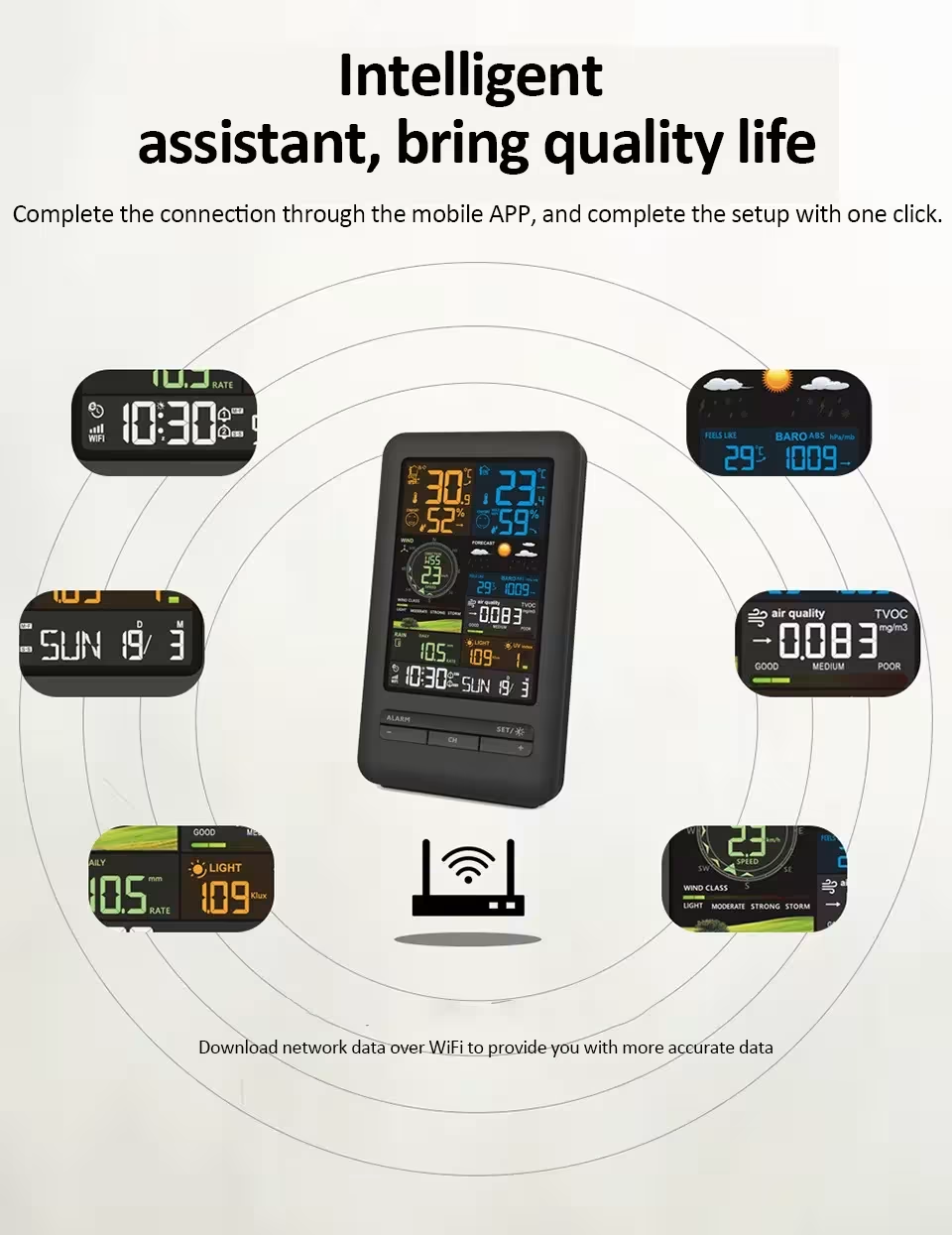
- WiFi network integration - The Smart Home system connects the device with other smart home devices, providing remote access and automated scenarios.
- Precise sensors - on a professional level, calibrated meters guarantee a high frequency and reliability of measurements in days.
- Easy interface - intuitive menu system and simple configuration allows you to use the device without special knowledge.
Technical specifications
- Display: Color LED LCD display with 5 levels of illumination
- • Connector types: WiFi 2.4 GHz, sensors with connectors
- Measured: temperature, humidity, precipitation, shaft speed and direction, pressure, light index, air quality
- Temperature range: -20 ° C to + 60 ° C
- Moisture range: 1% to 99% RH
- External sensors: professional precipitation and late module
- Data storage: key data stored in memory
- Power supply: electric source or batteries (model dependent)
Who is it suitable for and how to use it?
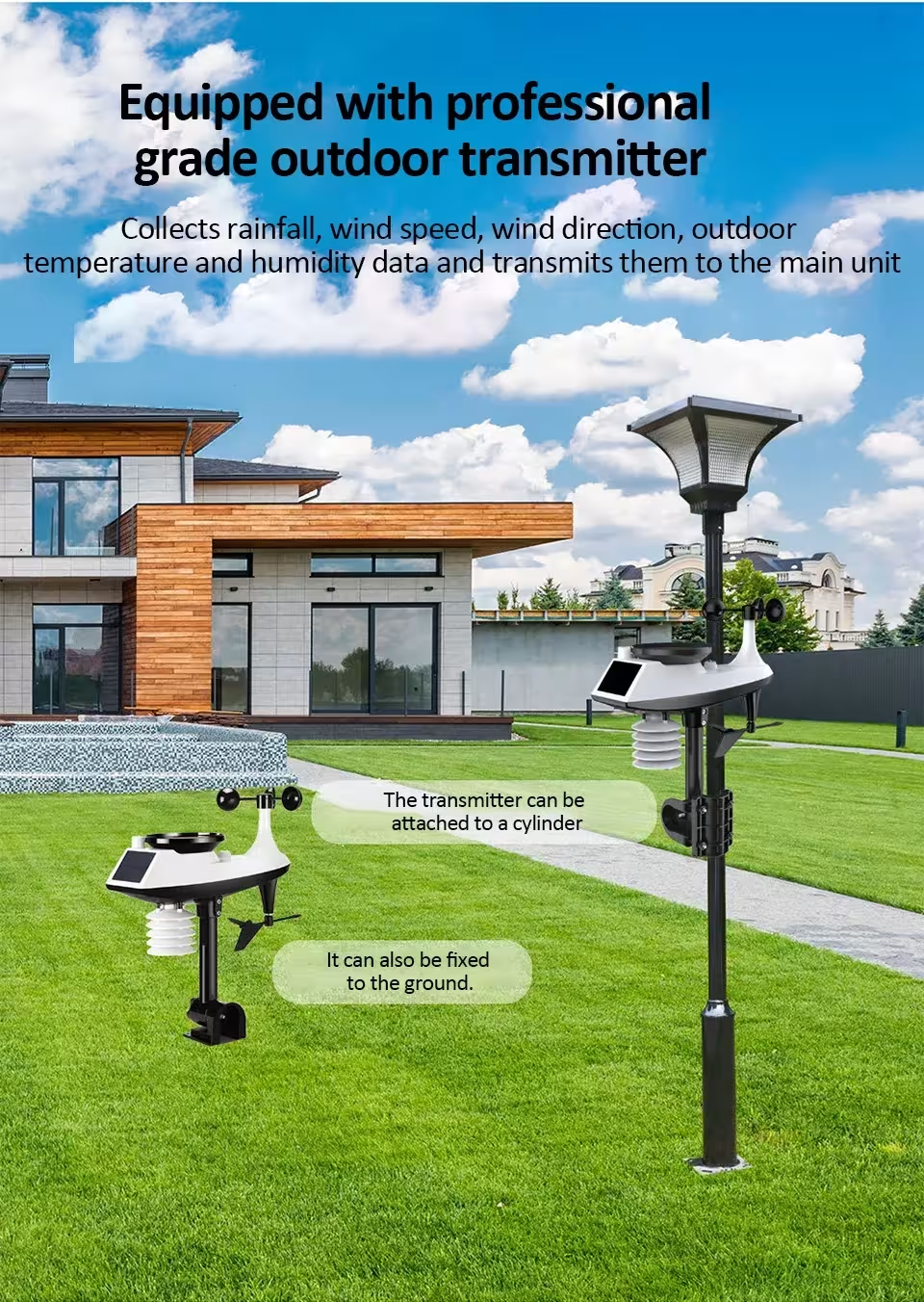
WiFi smart weather station is suitable for ground farmers, grape growers, meteorologists, tourists, environmental observers and home owners. Use simple: Install external sensors where you want to watch the air, connect the main unit to the WiFi network, and start getting data. The WiFi Smart Weather Station is particularly useful for entrepreneurs who want to control production conditions and plan operations according to precise metereological advances.
Buyer questions
What kind of WiFi signal do you need for this device?
WiFi's smart weather station is connected to a standard 2.4 GHz WiFi signal. The device requires stable Internet connection at least 5 metres from the router. If the signal is weak, use the WiFi amplifier or take over the signal at a closer distance.
Q: How often are the data updated?
Data shall be updated every few seconds in real time. The system automatically captures maximum and minimum values over a selected period of time - hour, day, week, month or year - with a full historical forecast.
Q: Is the device sensitive to weather?
Yes, external sensors are sensitive to rain, snow and frost, but it is recommended that they are installed in a protected area to prevent direct precipitation into electronic parts and increase the life of the device.
WiFi is an integral part of modern home and business automation. Once you have acquired this device, you will get accurate metereological data and you will be able to make better decisions. This smart system will give you an advantage in planning everyday activities and optimizing your business according to air changes.
Sources: Weather stations - Wikipedia | TopSmart store




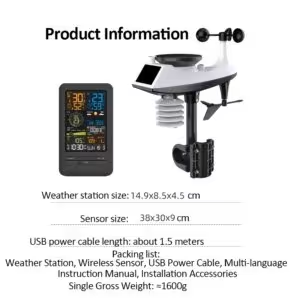
| Weight | 1.777 kg |
|---|---|
| Dimensions | 36 × 33 × 15 cm |
11 review for WiFi išmani orų stotis su temperatūros ir drėgmės sensoriumi
MOES Tuya ZigBee Smart Knob Thermostat Star Ring Series Temperature Controller Water Boiler Electric Heating With Alexa Google

Original XIAOMI Mijia Portable Electric Kettle 2 Thermos Cup Fast Water Boiler 350ml Smart Temperature Insulated Kettle Travel
Add to cart
Mijia New Electronic Thermometer Hygrometer Weather Station High Precision with Table Clock Function Mini Thermometer LCD Tools
A * * * z –
excellent product 👌
1. configure the screen.
2. Add wifi with the fixed line and the AP 0/1 issue appears
3. Open Tuya and it will appear.
If the wind and direction fail. Once the above is configured, press the two buttons on the batteries of the station.
Greetings. 🫡
Question: Black
T***E –
Finally a product that works perfectly with the TUYA and SMARTLIFE application with access to all the station’s data! This allows for creating routine scenes to act on other devices based on wind strength, rain volume, etc.
The only thing missing is the skill for Alexa or Google.
For the equipment, the sensors seem reliable. We’ll see over time because outdoors life is tough…
The assembly of the set is simple and easy.
Question: black
T***E –
Finally a product that works perfectly with the TUYA and SMARTLIFE application with access to all the station’s data! This allows for creating routine scenes to act on other devices based on wind strength, rain volume, etc.
Attention in the SMARTLIFE application, the rain data remains null. I will check if it’s also the case in Tuya…
The only thing missing is the skill for Alexa 2 Google. For the equipment, the sensors seem reliable. Time will tell as outdoor life is tough… the assembly’s fixations are simple and easy.
Question: black
M***Z –
It only supports 2.4 GHz Wi-Fi, if your Wi-Fi is different, this will not work on your mobile but the station will work fine.
Question: black
C * * * s –
Works as described. Easy to setup. Screen is clear and easy to understand
Question: black
M * * * i –
It arrived quickly. Initially, it is working perfectly. I felt a lack of instructions on how to download the historical data files and also on how to synchronize it with weather apps.
Question: black
F * * * i –
easy to set up, the base quickly connects to the wifi router via the tuya app and once powered outdoor station this automatically connects with the base.
I have verified that if the external station is not powered, the Tuya app, even though it recognizes the base, does not see the parameters.
If it doesn’t work immediately, try turning off and on the base again.
The readings are not in real time, perhaps to save battery.
Question: Black
a***f –
So far so good it takes the measurements and everything seems fine
1 issue is the battery compartment for the outdoor unit has no rubber seal overtime moisture will creep in and create corrosion only time will tell how long it will last
To connect the unit to wifi the indoor panel must be plugged in to external power using the barrel jack then hold the minus button until it changes to ap after that it should change to ap1 and will be discoverable via the tuya app
Question: Black
Customer –
Very good. Easy to install, accurate data, screen with excellent resolution, perfect parts, and spare screws.
Question: Black
Customer –
The weather station seems to work well and links over a reasonable distance. Just installed so early days yet. There is one obvious negative with the unit it in that for reading the wind direction correctly the orientation is all wrong for the southern hemisphere ( eg. New zealand) as it means the solar panel is facing south when for best efficiency it needs to face north. It should be a simple software setting to invert the reading.
Question: NEW
Customer –
Question: NEW