

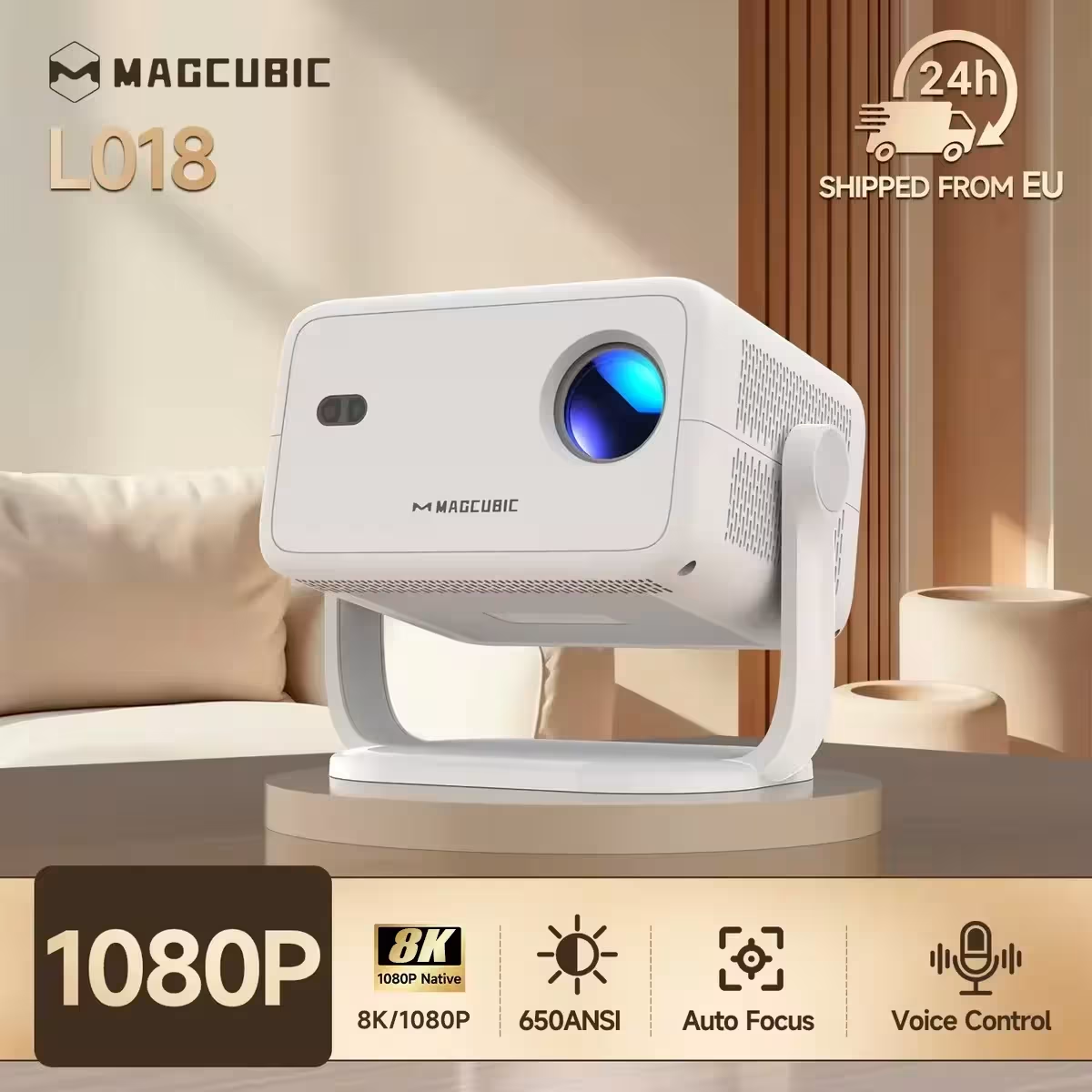
Magcubic Native 1080P projektorius su Wi-Fi 6
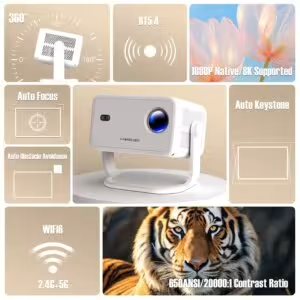
Nešiojamas projektorius su 1080P skiriamąja geba ir 650 ANSI šviesumu, idealus filmams žiūrėti lauke ir namuose. Automatinis fokusavimas ir trapezoidės korekcija užtikrina puikią vaizdo kokybę be rankinių nustatymų. 360° pasukamas dizainas leidžia projektuoti iš bet kurio kampo. Veikia Android 14 sistema su Wi-Fi 6 ir Bluetooth 5.4 ryšiu, suteikdamas prieigą prie daugybės programėlių ir transliacijų platformų.
Atkreipkite dėmesį: nedidelė dalis projektorių su „Allwinner 713“ lustu gali siųsti...
...
...
🔥🔥Lankstus 360° projekcijos kampas
Atskleiskite begalines galimybes su 360° pasukamu dizainu, leidžiančiu sklandžiai pastatyti ir projektuoti iš bet kurio kampo. Nesvarbu, ar tai siena, lubos, ar netradicinis paviršius, šis projektorius lengvai prisitaiko prie bet kokios situacijos.
🔥🔥Kristalinio ryškumo vaizdai su sodriais spalvų atspalviais
Mėgaukitės nuostabia vaizdo kokybe su 4K dekodavimo palaikymu ir natūralia 1080P skiriamąja geba, kurią papildo 650 ANSI. Net ryškiai apšviestose erdvėse kiekviena detalė spinduliuoja neįtikėtinu ryškumu ir gyvomis spalvomis.
🔥🔥Išplėstos automatinio reguliavimo funkcijos
Atsisveikinkite su rankiniu nustatymu. Naudodamas pažangų automatinį fokusavimą, automatinę trapecijos korekciją ir kliūčių išvengimą, projektorius per kelias sekundes sukuria puikiai suderintą, be iškraipymų ekraną, užtikrinantį patogų naudojimą.
🔥🔥Galingas „Android 14“ su pritaikomais režimais
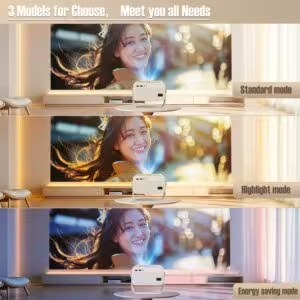
Veikiantis naujausia „Android 14“ sistema, jis suteikia prieigą prie plataus programėlių ir transliacijų platformų pasirinkimo. Pasirinkite vieną iš trijų projekcijos režimų – „Didelis ryškumas“, „Standartinis“ ir „Eko“ – pagal savo žiūrėjimo pageidavimus, suderindami našumą ir energijos efektyvumą.
🔥🔥Įtraukiantis garsas ir sklandus ryšys
Įrengtas „BT 5.4“ ir „WiFi 6“, šis projektorius užtikrina greitesnį ir stabilesnį ryšį su jūsų įrenginiais. Jo aukščiausios kokybės įmontuoti garsiakalbiai užtikrina sodrų, aukštos kokybės garsą, sukuriantį įtraukiančią kino patirtį be išorinių garsiakalbių.
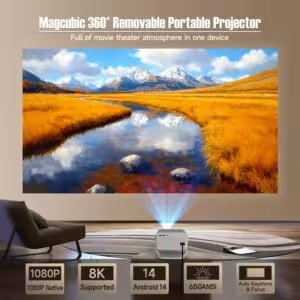
„Magcubic“ 360° nuimamas nešiojamas projektorius
Viename įrenginyje – visa kino teatro atmosfera
360° ir 650 ANSI ir „Wi-Fi 6“/2,4 G + 5 G ir „Bluetooth 5.4“ ir automatinis keystone/fokusavimas ir 1080p natūralus/8K palaikymas
360° nuimamas reguliuojamas stovas projektoriui
Lengvai pasukite ir pakreipkite projektorių, kad pasiektumėte tobulą žiūrėjimo kampą
Automatinis keystone koregavimas ir fokusavimas
Atleiskite rankinį valdymą. Aiškus vaizdas per vos 2 sekundes
3 modeliai iš kurių rinktis, atitinkantys visus jūsų poreikius
Standartinis režimas, ryškumo režimas ir energijos taupymo režimas
Puikus projekcijos atstumas
Mėgaukitės dideliu ekranu iš nedidelio atstumo net ir mažame kambaryje, 1,2:1 projekcijos atstumo santykis
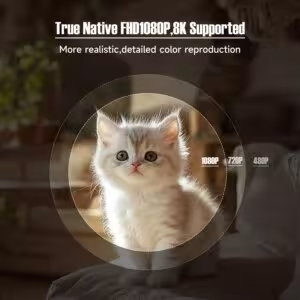
Tikrasis natūralus FHD 1080p, palaiko 8K
Realistiškesnis, išsamus spalvų atkūrimas
Matoma kiekviena detalė
650 ANSI / 20000:1 kontrasto santykis
Belaidis ekrano veidrodžio atvaizdavimas
Sklandus transliavimas iš telefono, planšetės ar nešiojamojo kompiuterio
Itin spartus dviejų dažnių „Wi-Fi 6“ ryšys (2,4 GHz + 5 GHz)
Greitas ir stabilus ryšys be vėlavimų
BT 5.4 ir HL-FL stereogarsiakalbiai
Leiskite sau mėgautis neprilygstamu garso patyrimu!
6 ašių giroskopinis jutiklis „Air Mouse“
Tikslesnis ir greitesnis!
Pasakykite, ko norite
Atlaisvinkite rankas naudodami išmanųjį balso nuotolinio valdymo pultą
| Svoris | 1.8 kg |
|---|---|
| Išmatavimai | 29 × 22 × 19 cm |
11 atsiliepimų apie Magcubic Native 1080P projektorius su Wi-Fi 6
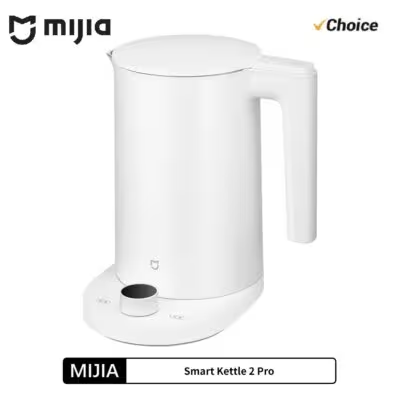
MIJIA Smart Kettle 2 Pro elektrinis virdulys
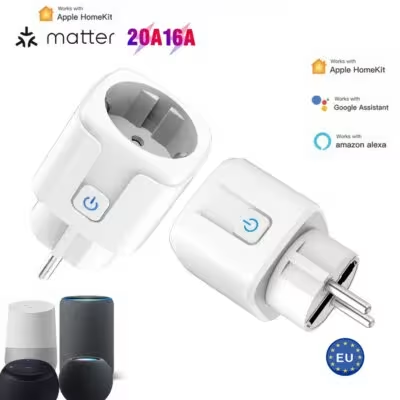
Matter WiFi išmanusis kištukas 16A/20A ES
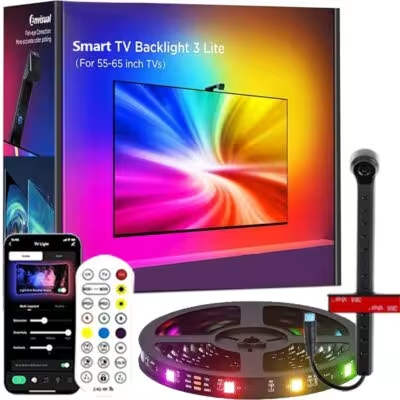
RGBIC LED TV apšvietimas 55-75 colių ekranams

J***t –
For now, I am very satisfied. A bit noisy but very high quality for the price… I recommend.
Color: L018-White Plug Type: EU Plug Ships From: Poland
Shopper –
EXCITEMENT!!! The teenage daughters are delighted. I myself am impressed! Great possibilities and this auto-correction of the image… I RECOMMEND!
Color: L018-White Plug Type: EU Plug Ships From: Poland
Shopper –
It arrived quickly and I really like it. It projects beautifully.
Color: L018-White Plug Type: EU Plug Ships From: Poland
Shopper –
Super! Great purchase! Highly recommend. Worth every penny!
Color: L018-White Plug Type: EU Plug Ships From: Poland
R***i –
I recommend it.
Color: L018-White Plug Type: EU Plug Ships From: Poland
M***l –
Fast delivery. the equipment meets my expectations.
Color: L018-White Plug Type: EU Plug Ships From: Poland
Shopper –
The quality is really very good, but streaming videos can only be played in SD quality.
Color: L018-White Plug Type: EU Plug Ships From: Poland
Shopper –
Excellent quality.
Color: L018-White Plug Type: EU Plug Ships From: Poland
M***k –
YouTube lags a bit; it doesn’t bother me when listening to music, but it does get a bit annoying with videos. HBO, Netflix, and Disney work very well. If it had 2GB of RAM, it would run much smoother. The downside is the sudden adjustment of the tilt angle – you need to help yourself by placing something under the stand. I watch videos with a Bluetooth speaker connected – the sound works without any delay, which is a huge plus. I managed to buy it for 240 PLN with shipping, and at that price, such a screen size is really worth recommending.
Color: L018-White Plug Type: EU Plug Ships From: Poland
Shopper –
Great product. I recommend it.
Color: L018-White Plug Type: EU Plug Ships From: Poland
g***r –
Very quiet and the image is visible during the day.
Color: L018-White Plug Type: EU Plug Ships From: Poland